

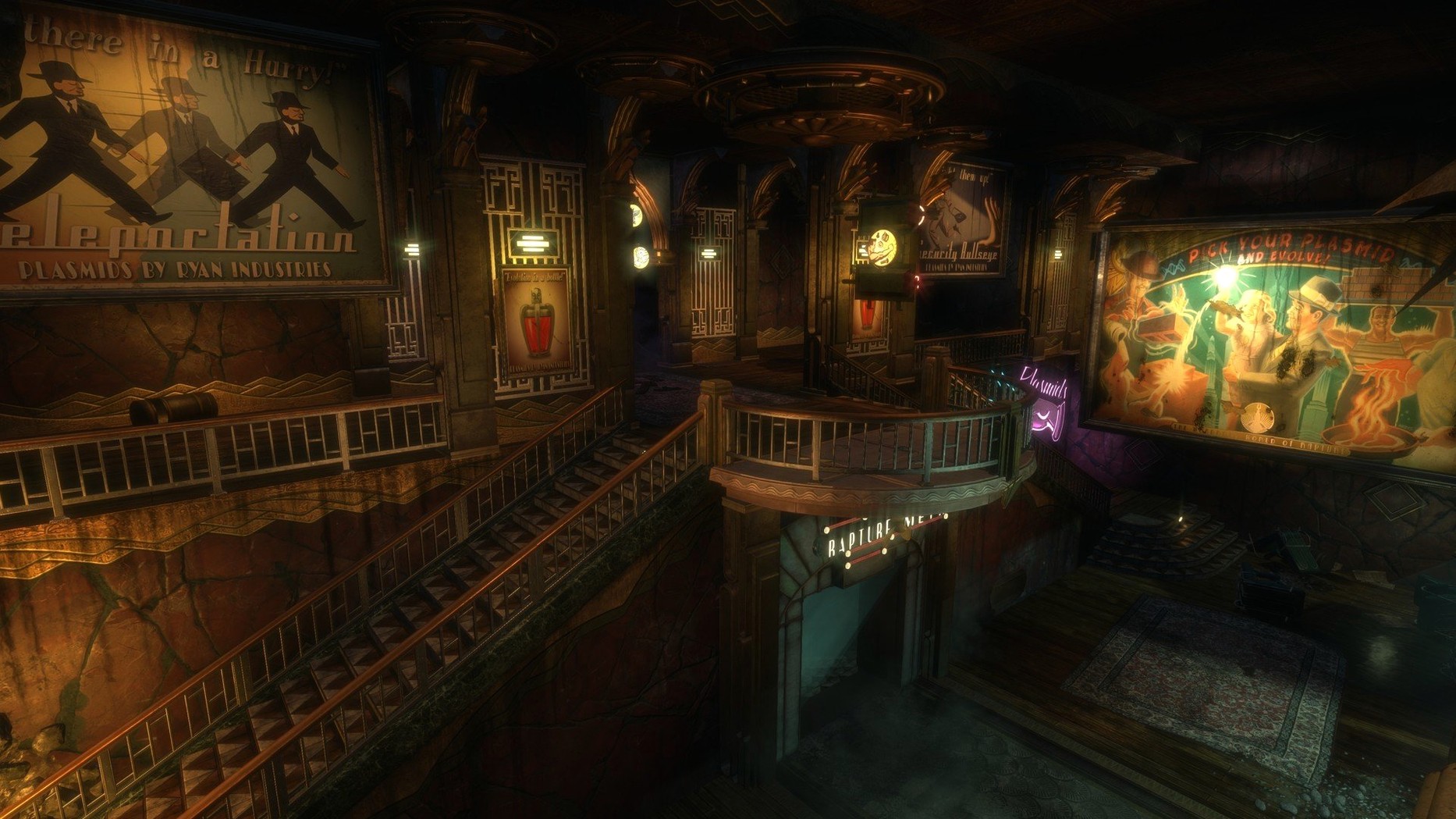
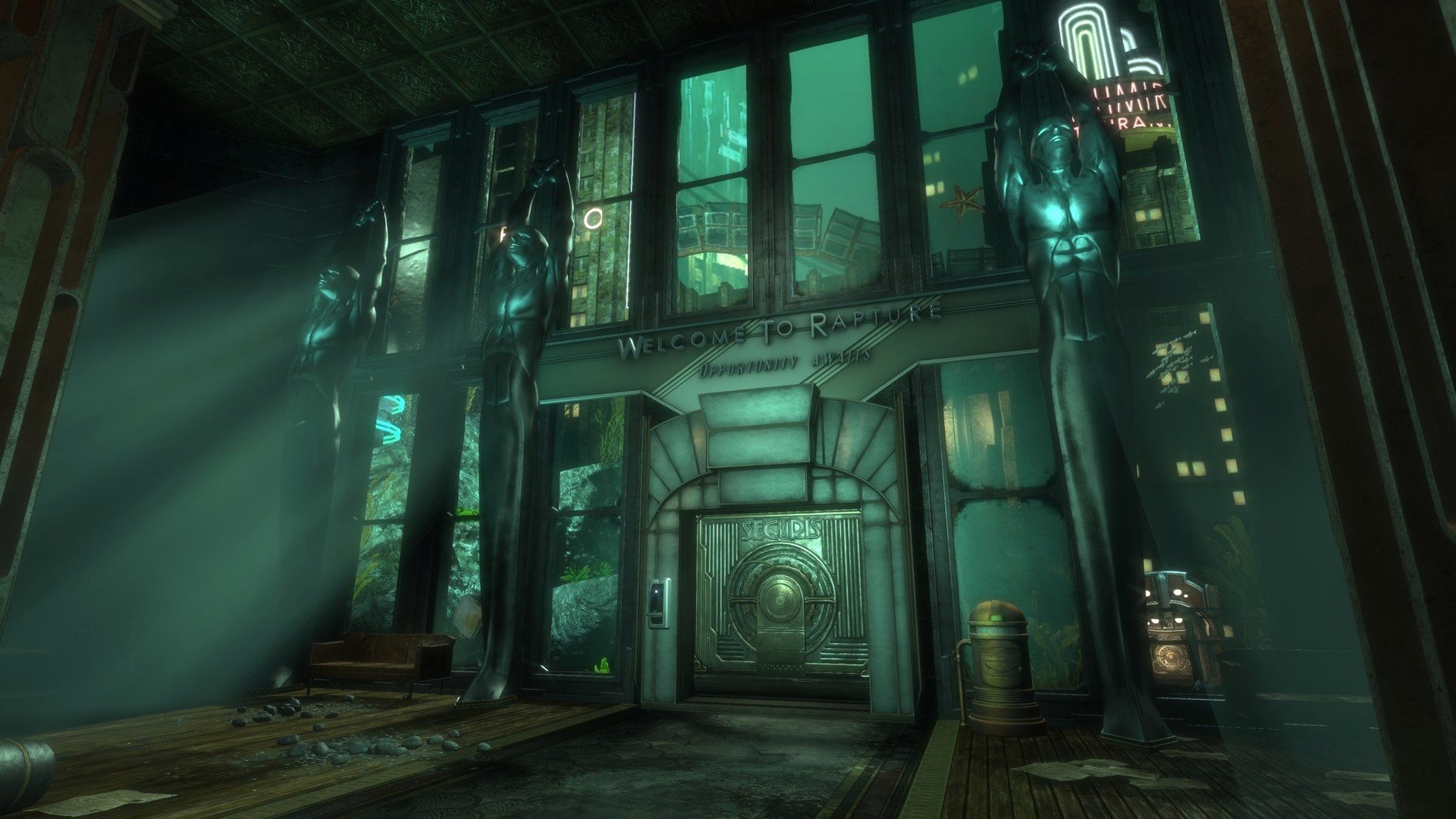
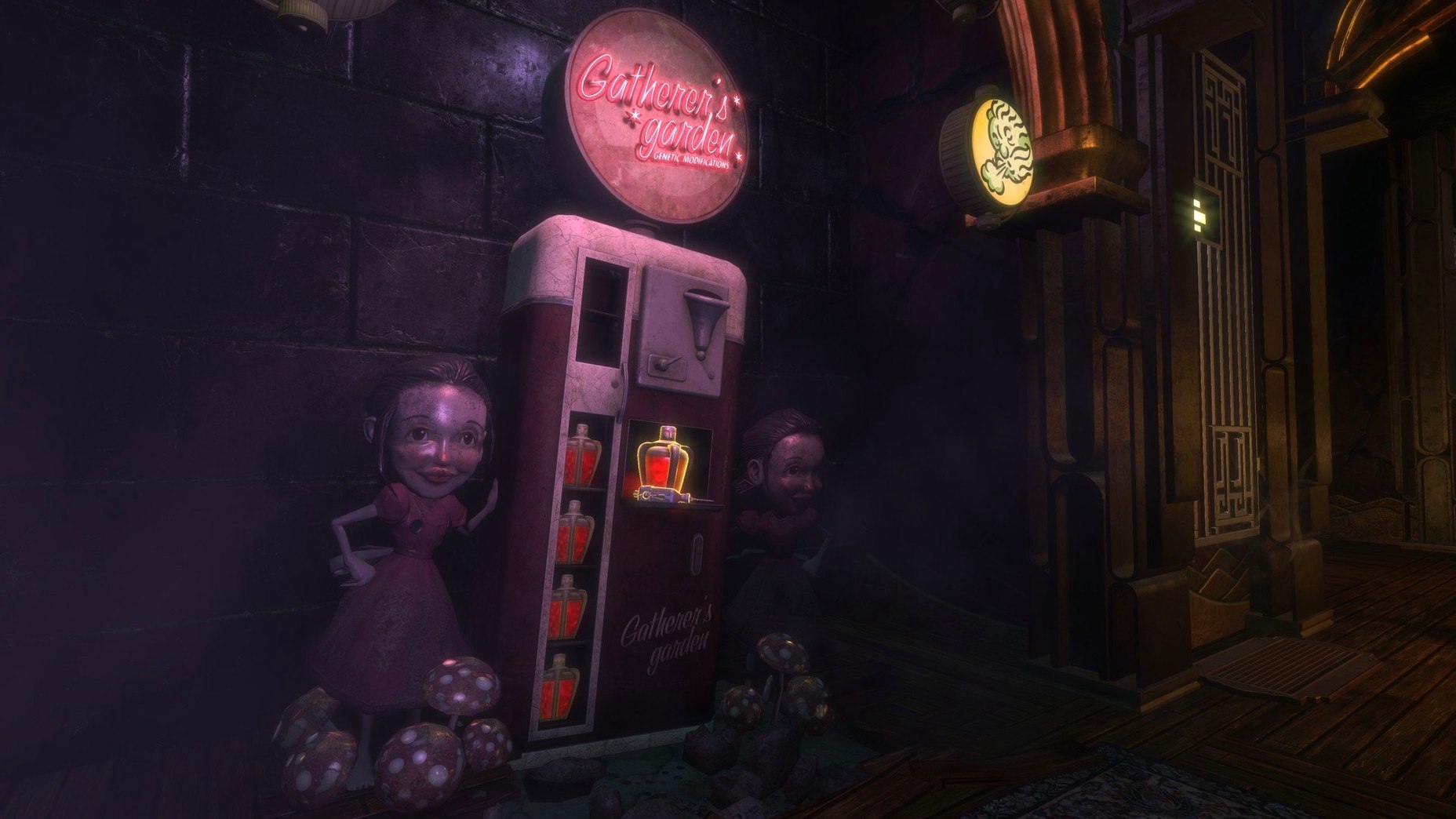
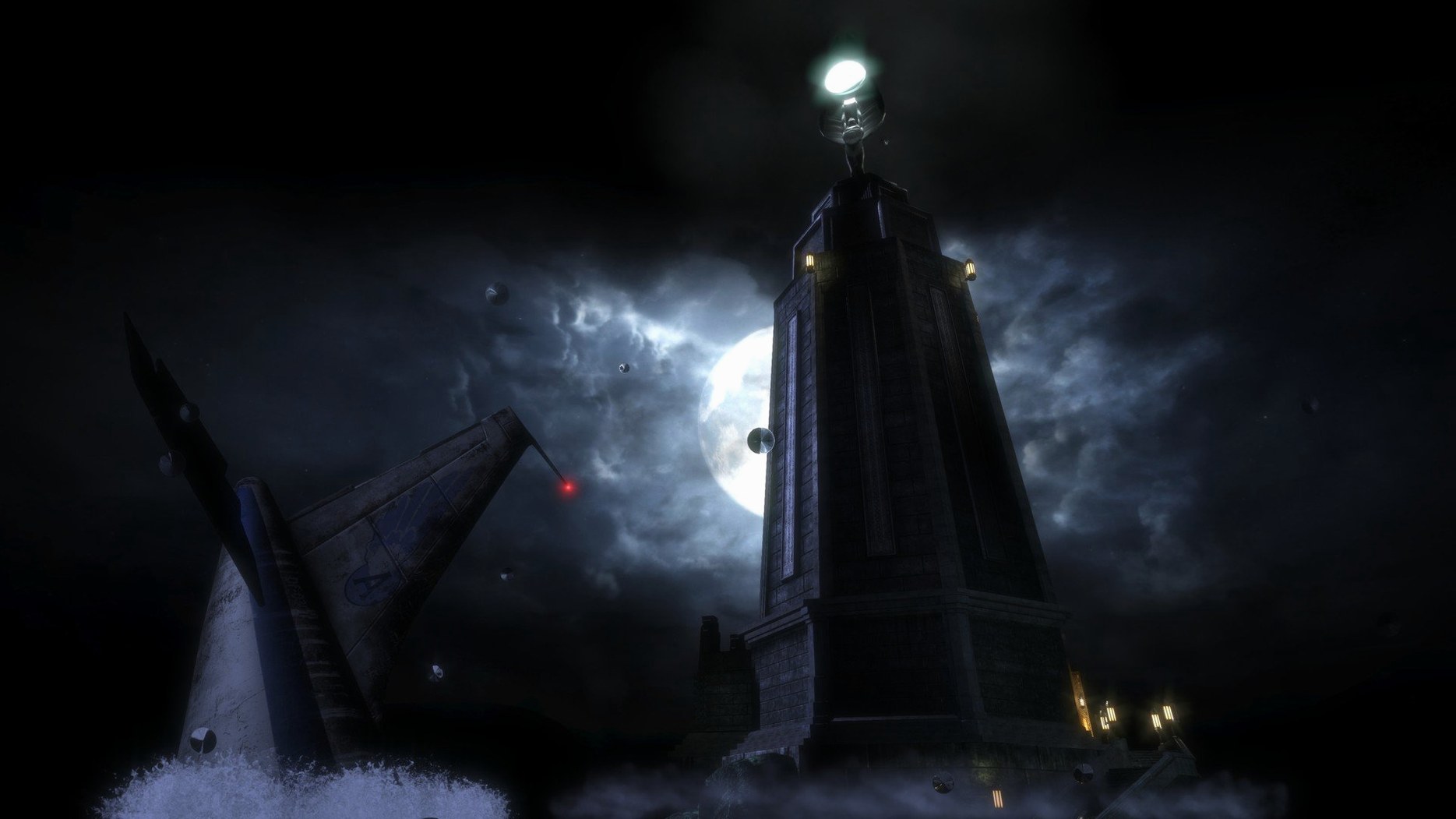
If you know that sinking feeling when a System Shock 2 mod doesn't quite scratch the itch, Rapture offers a far more polished descent. This isn't a mindless run-and-gun; the game asks you to think about the bullet in your hand just as much as the plasmid you've spliced into your veins.
Here's the kind of player who will feel right at home in this particular nightmare:
- You read every audio log in a level. The scattered diaries of Rapture's citizens are where the real horror lives, not just in the Big Daddies.
- You experiment with odd tools. Shocking a pool of water or hypnotizing a turret to fight splicers for you is the point, not a bonus.
- You run from a fair fight. Bullets are scarce and the mutated inhabitants are persistent. The environment is your only true ally.
On the other hand, if you need a clear-cut monster to shoot until a health bar empties, the chaos here might feel like too much work. This is a place you survive through invention, not just aim. It comes packed with developer commentary and a museum of orphaned concepts, giving you a fascinating look at the guts of its development long after the credits roll.
Black screen on launch and other rough edges
Even with the remaster, a few rough edges show up on modern Macs. Here's what tends to trip people up and how to get back into Rapture without a headache.
- Black screen on launch. This is almost always a resolution mismatch. Hold the Option key while launching, then pick a lower resolution in the window that appears. Once you're in, you can dial it back up to something your display actually likes.
- Mouse feels sluggish or drifts. The default acceleration curve fights you hard. Turn off mouse smoothing in the game's controls menu, then bump your system mouse speed down a notch or two in System Preferences to compensate.
- Audio cuts out during big fights. The remaster's audio engine sometimes chokes on certain USB headsets. Plug directly into the headphone jack or switch to your Mac's built-in speakers to rule out a driver clash before you blame the download.
- Frame rate tanks near water effects. Rapture's leaks and floods are gorgeous but greedy. Drop shadow quality and real-time reflections in the graphics settings — those two alone reclaim a surprising chunk of performance without making the city look flat.
Fix the cramped field of view before anything else
Feral's defaults are cautious. A few quick flips will make the whole experience sharper.
- Field of view. The default is cramped, especially on a laptop screen. Push it to around 90-95 in the video options. The claustrophobia should come from the level design, not the camera.
- Disable the quest arrow. Seriously. Rapture's corridors are a maze for a reason. The arrow flattens exploration into a commute. You can always flip it back on if you've been wandering the same flooded hallway for twenty minutes.
- Turn off "adopt gathered items" in the gameplay menu. This stops the game from auto-equipping every snack and bandage you pick up, keeping your quick-select bar from turning into a junk drawer in the middle of a firefight.
- Lock the frame rate to 60. Uncapped, the physics engine gets a little jittery in the remaster. Locking it smooths out the odd stutter when you're swinging a wrench at a splicer's face.
- macOS 10.12.5 or later
- 2.0 GHz Intel Core i5 processor or better
- 8 GB RAM
- 2 GB AMD R9 290M, 2 GB Nvidia 680mx, or 1.5 GB Intel Iris Pro 5200 graphics
- 27 GB of free storage space
Questions I actually get
What extra content is in this remastered version?
It includes a museum of orphaned concepts, developer commentary on the making of BioShock, and challenge rooms.
Who developed this Mac version?
The Mac version was developed by Feral Interactive Limited.
Notes from the tables 0
Sign in or pull up a chair to leave a note.
No notes on this one yet. They go up after I read them.
More from the Games page
The whole page Games 2.3 GB
Bloons TD 6
56.3
Games 2.3 GB
Bloons TD 6
56.3
 Games 1.7 GB
Borderlands 2
1.8.5
Games 1.7 GB
Borderlands 2
1.8.5
 Games 22 GB
Batman: Arkham City - Game of the Year Edition
1.2.1
Games 22 GB
Batman: Arkham City - Game of the Year Edition
1.2.1
 Games 11.3 GB
Barotrauma
1.13.4.0
Games 11.3 GB
Barotrauma
1.13.4.0
 Games 1.1 GB
Baldur's Gate 3
.1.1.7398727
Games 1.1 GB
Baldur's Gate 3
.1.1.7398727
 Games 125 GB
Aurora Hills: Chapter 2
1.0.2
Games 125 GB
Aurora Hills: Chapter 2
1.0.2
 Games 1.8 GB
Cat Quest
1.2.13.11
Games 1.8 GB
Cat Quest
1.2.13.11
 Games 109 MB