

Runs on anything from Catalina forward
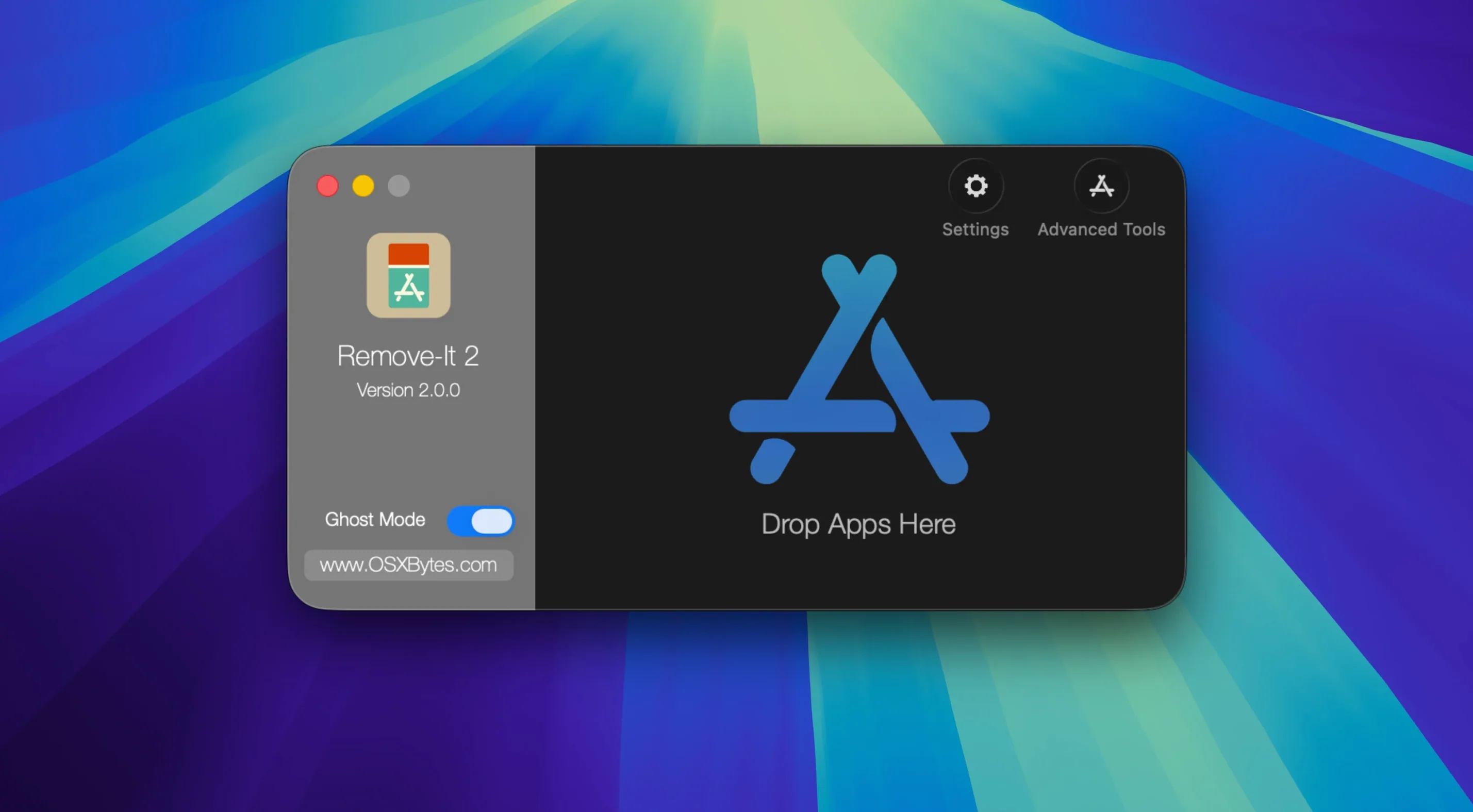
The developer says Remove-It 2 works on macOS 10.15 all the way up to 26.x, Intel and Apple Silicon. No fussy system requirements—just a straight shot at getting rid of applications and the leftover bits most uninstalls ignore.
Levenshtein search catches typos in support filenames
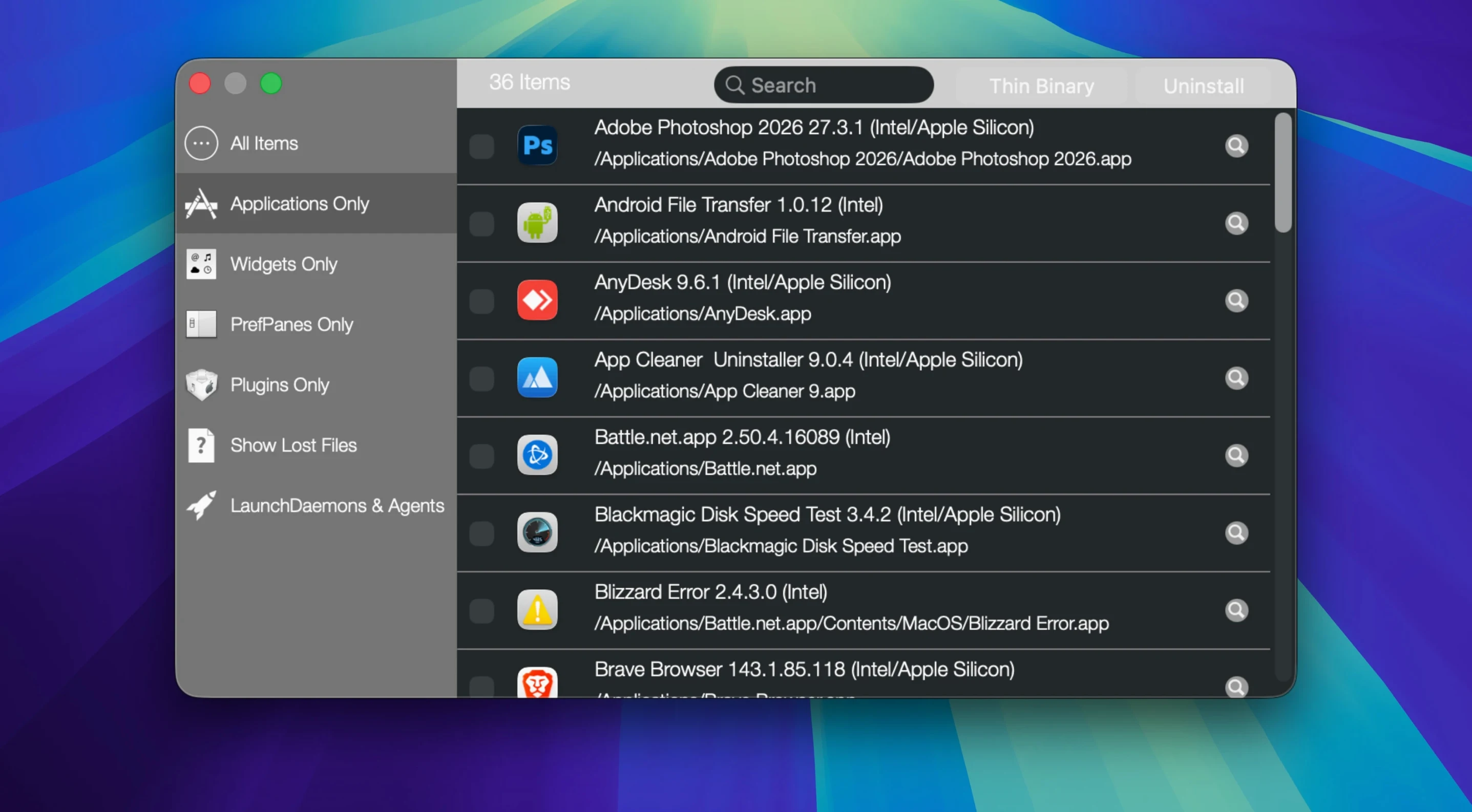
- Finding files by how they’re named. Under the hood, it uses the Levenshtein distance search algorithm to match related support files, not just exact filenames. A typo or slight variation in a plist name won’t hide it.
- Scanning where other tools don’t look. It digs inside folders for orphaned apps and finds both visible and hidden files—without needing Spotlight enabled to do its job.
- Trimming fat from Universal Binaries. You can strip out unused architecture binaries to claw back storage space, a nice bonus for older installs that brought along Intel code on Apple Silicon (or vice versa).
- Protecting what stays. Mark user applications, folders, or the default Apple apps as protected so they never appear as candidates for removal.
Drop an app on the window to sniff its leftover files
- Drag and drop is the main lane—you can pull an app onto the window and let it sniff out the related files from there.
- The interface is utilitarian, not a guided tour. You’re expected to know what you want to delete before you start clicking.
Background mode triggers when you trash an app
Remove-It doesn’t ask you to change how you work. You drag a stubborn app onto the window, or drop it in the Trash and let the background mode notice it—same muscle memory as always, just with a cleanup crew standing by. It plays nice with Finder’s view of all mounted volumes too, so an app tucked away on an external drive isn’t invisible to it. macOS won’t offer to hunt down leftover plists and cache folders; this fills that gap without disabling SIP, altering LaunchServices, or messing with any built-in protections.
Expert mode surfaces daemons and helper leftovers
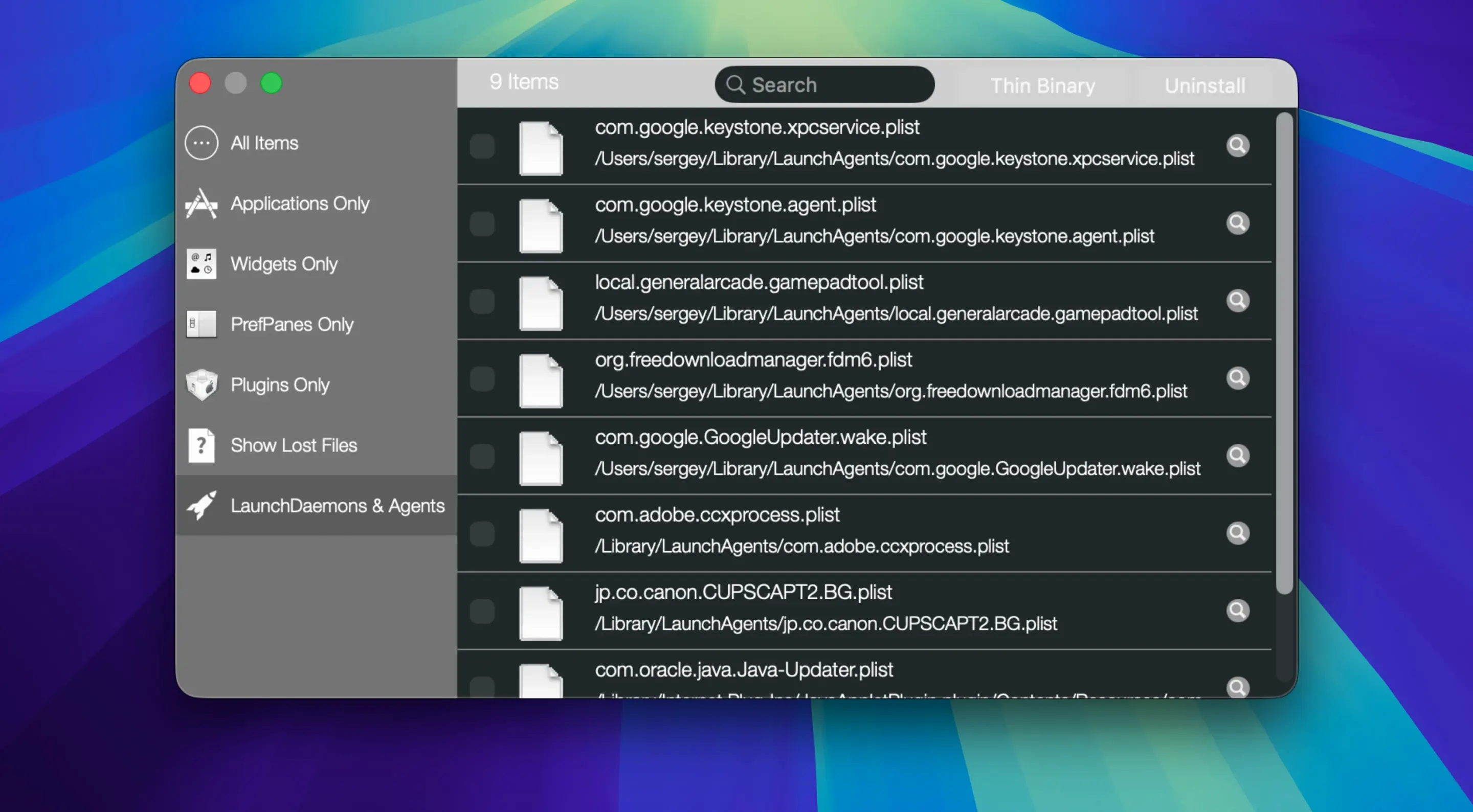
Developers who regularly install and discard build tools, beta versions, and helper daemons will find the expert mode especially useful—it surfaces files that a standard scan might skip. Power users who juggle multiple volumes or boot from an external drive on occasion also benefit, since Remove-It scans everything, not just what’s in the Applications folder. It’s equally at home on a family Mac where someone occasionally downloads a utility, tries it once, and drags it to the Trash thinking that’s the end of it. If you’ve ever searched for a leftover preference file six months after deleting an app, this one clicks into place quickly.
Bottom line: a tool for folks who’d rather trace an app’s fingerprints across the drive than trust a one-click magic wand.
- macOS 10.15 or later (supports Apple Silicon and Intel)
Questions I actually get
How does Remove-It find related files that don’t share the app’s exact name?
It uses the Levenshtein distance algorithm, which measures how many character changes it takes to turn one string into another, so files with slight naming variations still show up in the scan.
Can I stop Remove-It from offering to delete certain apps?
Yes, you can protect both user-installed applications and the default macOS apps, and even lock down specific folders from being touched.
Notes from the tables 0
Sign in or pull up a chair to leave a note.
No notes on this one yet. They go up after I read them.
More from the Mac Cleaners page
The whole page Mac Cleaners 20 MB
Magic Disk Cleaner
5.5.1
Mac Cleaners 20 MB
Magic Disk Cleaner
5.5.1
 Mac Cleaners Updated 7 MB
MacCleaner Pro
4.0.2
Mac Cleaners Updated 7 MB
MacCleaner Pro
4.0.2
 Mac Cleaners 128 MB
MacBooster
8.3.0
Mac Cleaners 128 MB
MacBooster
8.3.0
 Mac Cleaners 38 MB
Ghost Buster Pro
6.3.1
Mac Cleaners 38 MB
Ghost Buster Pro
6.3.1
 Mac Cleaners Updated 11 MB
CleanMyMac
5.7.0
Mac Cleaners Updated 11 MB
CleanMyMac
5.7.0
 Mac Cleaners 180 MB
CCleaner Pro
1.18.30
Mac Cleaners 180 MB
CCleaner Pro
1.18.30
 Mac Cleaners 6 MB
AppZapper
2.0.3
Mac Cleaners 6 MB
AppZapper
2.0.3
 Mac Cleaners 4 MB