

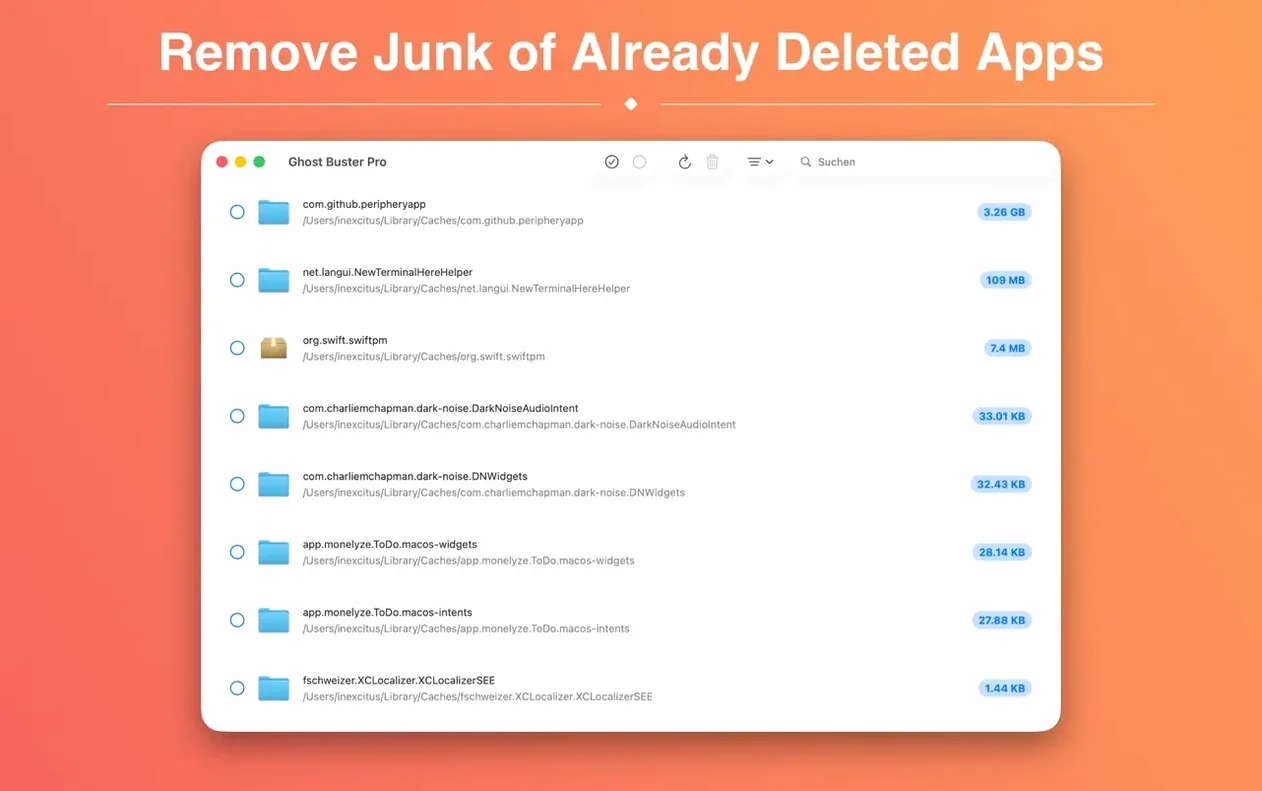
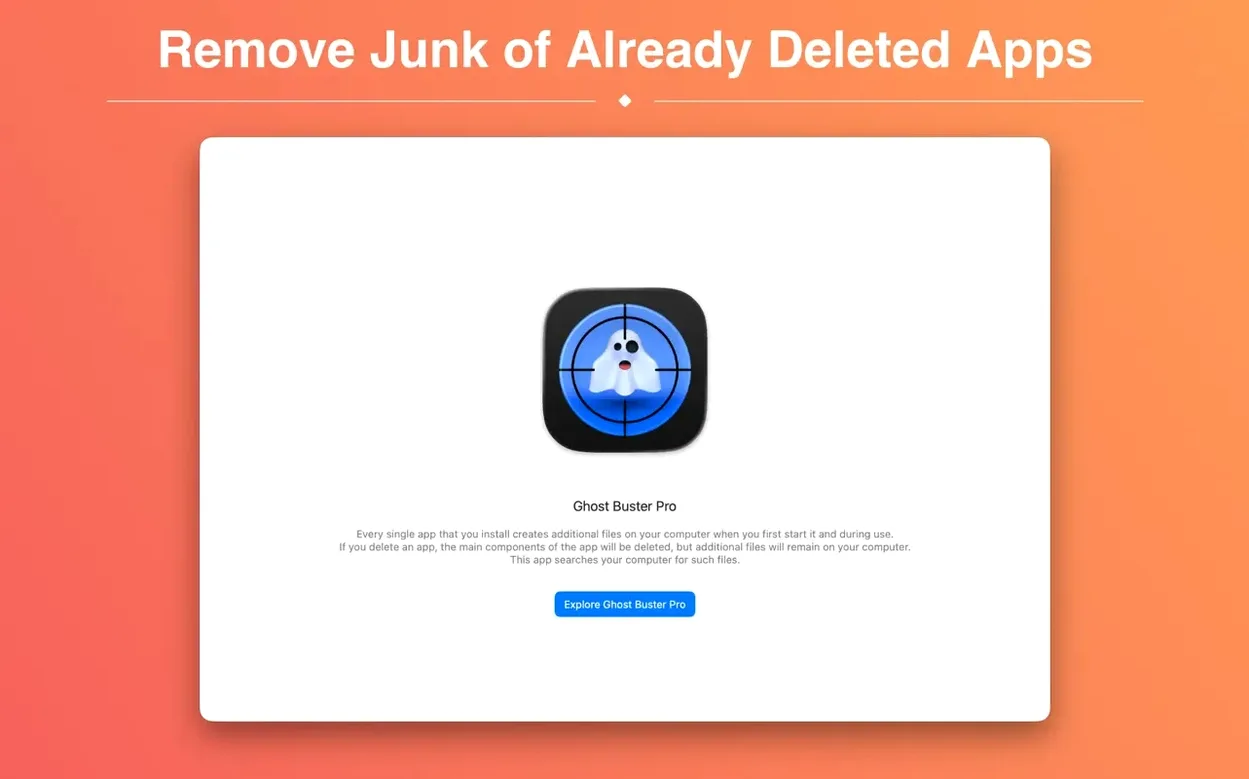
Ghost Buster Pro is for people who drag an app to the Trash and sleep soundly, not realizing they left a trail of support files and cached data behind. It hunts down those digital dust bunnies left by programs you thought were long gone, so your Mac doesn't slowly fill up with settings for software you haven't used in years.
Scans for leftovers, you decide their fate
You open the app, it scans your system for orphaned preference panes, caches, and sundry support files that belong to uninstalled software. A list appears showing exactly what it found. Nothing gets deleted automatically—you're always the one who pulls the trigger. One click sends the whole pile packing, clearing space without any mystery deletions.
Who should bother
If you try a lot of apps and toss them just as quickly, this is your kind of tool. It's also handy after migrating to a new Mac, when old job leftovers somehow tag along for the ride. A useful ghost torrent of forgotten files gets cleaned up in seconds, leaving no trace behind.
Skip large folder previews to speed up scans
Ghost Buster Pro keeps things simple, but a quick visit to the preferences window makes the scan a lot smarter. The defaults work fine, yet a couple of tweaks save time later.
- Turn off previews for large folders. If a leftover folder holds hundreds of tiny font cache files, building a preview can slow the scan to a crawl. I limit previews to folders under 50 items and get results faster.
- Add a custom search path. Some apps bury data in odd corners like
~/Library/Group Containers/. Tossing that path into the custom locations list catches stragglers the default scan misses. - Switch the list sort to “Size.” The default alphabetical view hides the real offenders. Sorting by size puts the 2.3 GB Logic Pro sound library remnant right at the top where it belongs.
Deleting shared frameworks breaks other apps
People open Ghost Buster Pro, see a long list, and panic-click the delete button. That impulse causes trouble. Not every orphaned file is truly orphaned—some apps share support frameworks, and deleting a common component can break other software quietly.
Another rookie move: running the scan while an app is still installed, just not running. Ghost Buster Pro looks for files with no parent application, so if the parent is sitting in your Applications folder, those files won't appear. Drag the app to the Trash first, then scan. The order matters.
I also see people treat Ghost Buster Pro as a general disk cleaner. It's not. It doesn't find duplicate downloads or clear browser history. It does one job—hunting leftover app junk—and trying to stretch that into system optimization leads to disappointment.
Kill clinging helper processes in Activity Monitor
Sometimes a file refuses to delete. The Finder reports it's "in use," though the app has been gone for months. Nine times out of ten, a background helper process is still clinging to life. Open Activity Monitor, search for something related to the old app's name, force-quit it, and the delete goes through.
Files belonging to Adobe or Microsoft suites often show up in scans, but deleting them carelessly can upset other apps from the same family. If you removed Photoshop but kept Illustrator, skip the shared Adobe folders unless you know exactly what they hold.
If Ghost Buster Pro doesn't find files you know exist, check your scan scope. The app respects macOS privacy permissions—if it lacks full disk access, it will miss large portions of your Library folder. Grant that permission in System Settings under Privacy & Security, then scan again. A ghost buster mac utility is only as thorough as the access you give it.
Not a feature drop this time — more of a tidy-up in the corners. A couple of interface pieces that felt a little out of step with the rest of the app now sit right.
- The About window and the Help menu share the same look as Ghost Buster's other tools.
Small stuff, but it's the kind of polish you notice when you're in the middle of a cleanup and everything just feels like it belongs together.
- macOS 15.6 or newer
- Works on Apple Silicon and Intel 64-bit Macs
Questions I actually get
Does Ghost Buster Pro delete files automatically?
No, the app never removes data without your direction. You review the list of found leftovers and choose when to delete them with a single click.
Notes from the tables 0
Sign in or pull up a chair to leave a note.
No notes on this one yet. They go up after I read them.
More from the Mac Cleaners page
The whole page Mac Cleaners 38 MB
MacCleaner Pro
4.0.2
Mac Cleaners 38 MB
MacCleaner Pro
4.0.2
 Mac Cleaners 128 MB
Magic Disk Cleaner
5.5.1
Mac Cleaners 128 MB
Magic Disk Cleaner
5.5.1
 Mac Cleaners Updated 7 MB
CleanMyMac
5.7.0
Mac Cleaners Updated 7 MB
CleanMyMac
5.7.0
 Mac Cleaners 180 MB
CCleaner Pro
1.18.30
Mac Cleaners 180 MB
CCleaner Pro
1.18.30
 Mac Cleaners 6 MB
Mole
1.14.0
Mac Cleaners 6 MB
Mole
1.14.0
 Mac Cleaners 20 MB
AppZapper
2.0.3
Mac Cleaners 20 MB
AppZapper
2.0.3
 Mac Cleaners 4 MB
App Cleaner & Uninstaller
10.0
Mac Cleaners 4 MB
App Cleaner & Uninstaller
10.0
 Mac Cleaners 47 MB