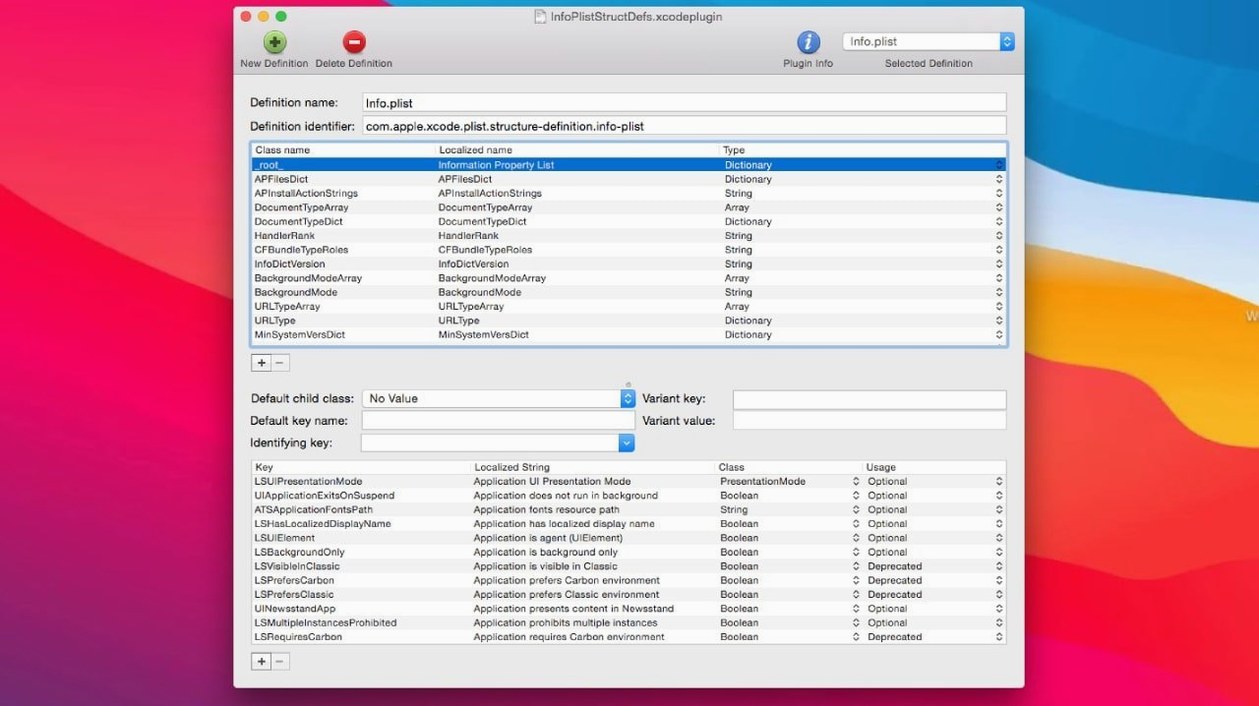
PlistEdit Pro runs on any Mac with macOS 14 or later, right alongside Xcode. If you develop for Mac or iOS and spend part of your day inside a plist, this editor gives you tools that a plain text window never will.
Two views, one file
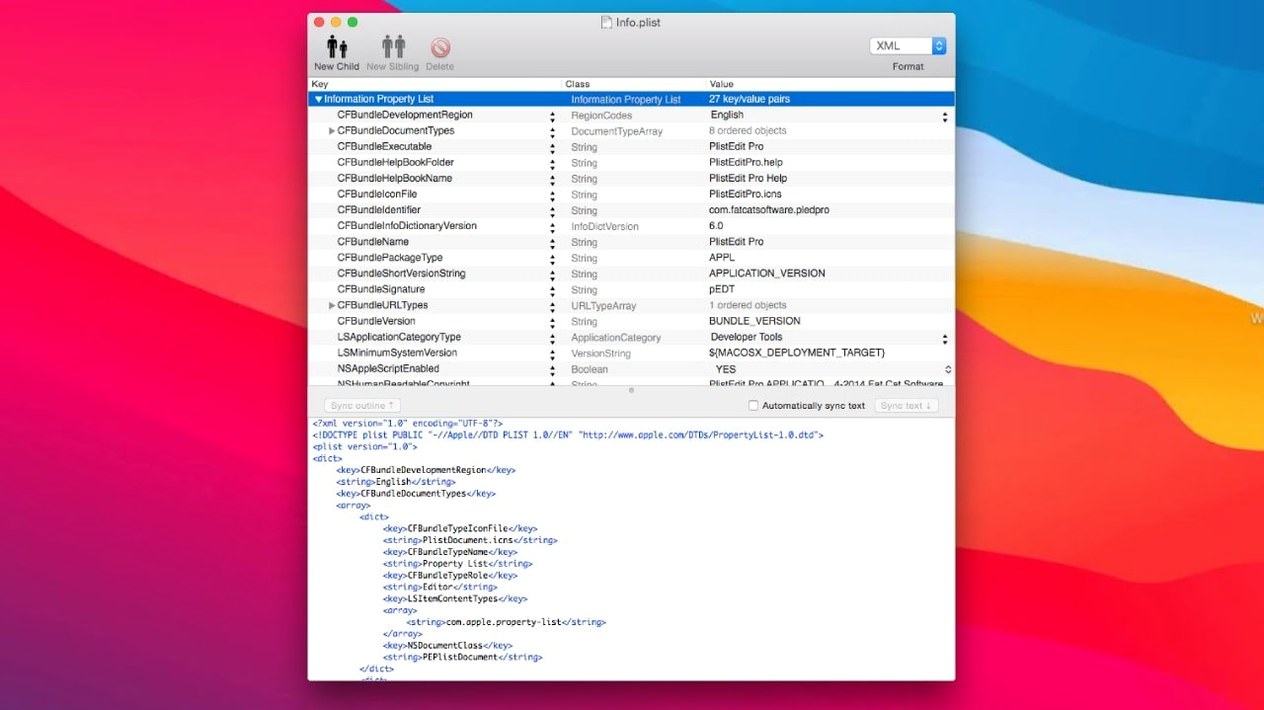
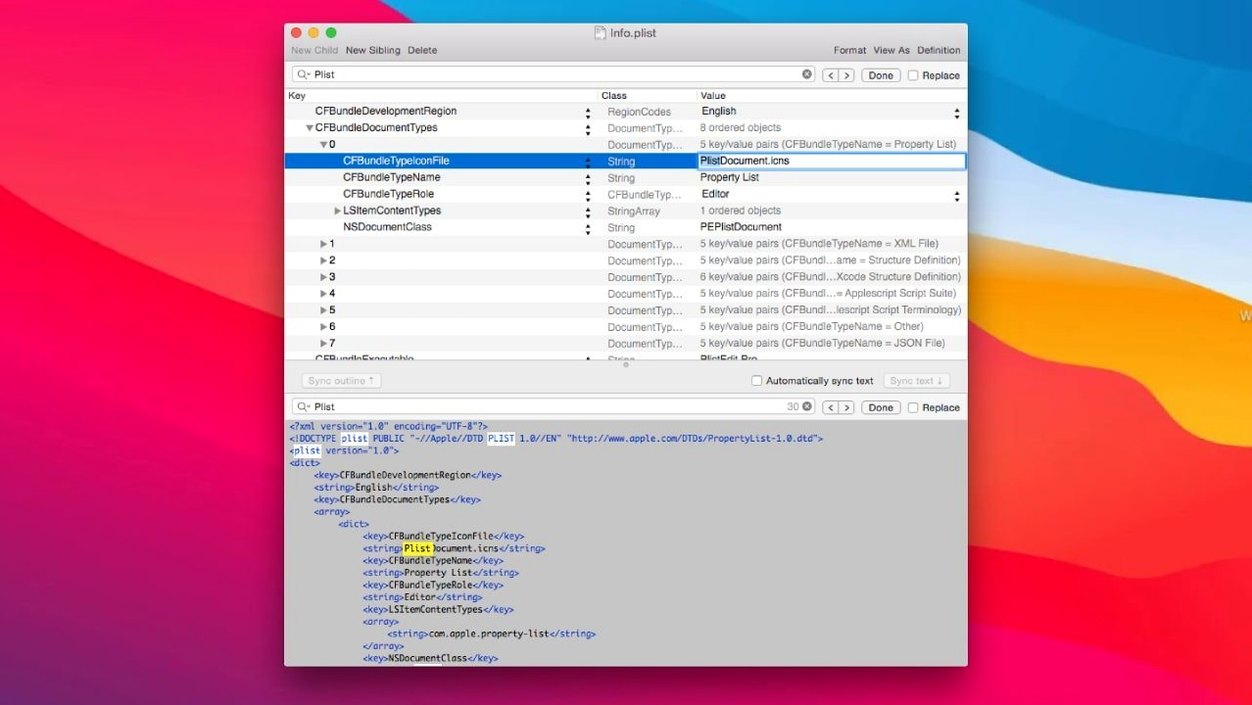
The outline view treats a property list like a clean, collapsible tree. You can copy a chunk of keys from one file and paste them into another without breaking structure—something that saves real time when you're mirroring settings between apps. Switch to plain text and you're looking at the raw XML or JSON, editable like a regular document. Multi-level undo works the same in both views, so you can experiment without making backups first.
A browser for the hidden stuff
The built-in preferences browser opens macOS preference files like a file cabinet you were never supposed to have keys for. You can walk through system and app preferences, make changes, and see what sticks. The pledit command-line tool gives you the same power from the terminal when you'd rather not open a window at all.
Who really gets their money's worth
This isn't a tool for someone who opens a plist once a year because a support article told them to. PlistEdit Pro earns its keep with three groups.
Mac and iOS developers who touch Info.plist, entitlements, or build settings daily. The drag-and-drop structure editing means you're not counting angle brackets by hand. QA folks and testers who need to tweak preference flags or debug hidden settings get the preferences browser and folder search upfront, no Xcode needed. Power users who customize their Mac with defaults write commands find the same thing with less typing and fewer mistakes—you can browse a preference domain visually, change a value, and move on.
A tester's Tuesday morning
Say you're a QA engineer tracking down why an internal build ignores the analytics opt-out. You open the preferences browser, pick the app's bundle ID, and spot the relevant key in seconds. The boolean is set to true when it should default to false. You flip it, save, relaunch, and confirm the fix. Then you drag the corrected plist file into a bug report attachment without ever touching a text editor. The whole loop takes three minutes, and you didn't have to ask a developer which domain stores that flag.
Speed, stability, and what it asks of your Mac
The app launches in about two seconds on Apple Silicon and under four on an older Intel machine. Once open, scrolling a large plist with a few thousand keys stays smooth—no beachball, no lag in the outline view. Memory use hovers around 60 MB for everyday files, creeping up only when you're running folder-wide searches across hundreds of plists simultaneously.
Stability has been uneventful, which is exactly what you want from an editor that touches configuration files. The undo stack hasn't lost a step in daily use, and I've never seen it corrupt a file on save. The one thing to know: if you have a plist open and it changes on disk from another process, the popover that asks whether to revert is small and easy to miss. Pay attention when it appears.
For command-line work, the pledit tool processes a folder of plists without spinning up the full interface, so it runs light even on a MacBook Air. If you build scripts that need to read or modify plist values, it's a quiet workhorse.
Version 1.1 tidies up the interface for macOS Tahoe and reorganizes a few controls.
- The preferences browser options checkboxes now live in a toolbar menu instead of cluttering the window.
- The 'Ask to revert when file changes on disk' option turned into a small popover—less noise, same function.
- macOS 14 or later
- Apple Silicon or Intel Mac
Questions I actually get
Does PlistEdit Pro handle JSON files?
Yes, it edits JSON files in both the outline view and the plain text view.
Can I control PlistEdit Pro from the command line?
It includes a pledit command-line tool for working with plist files without opening the main app.
Notes from the tables 0
Sign in or pull up a chair to leave a note.
No notes on this one yet. They go up after I read them.