
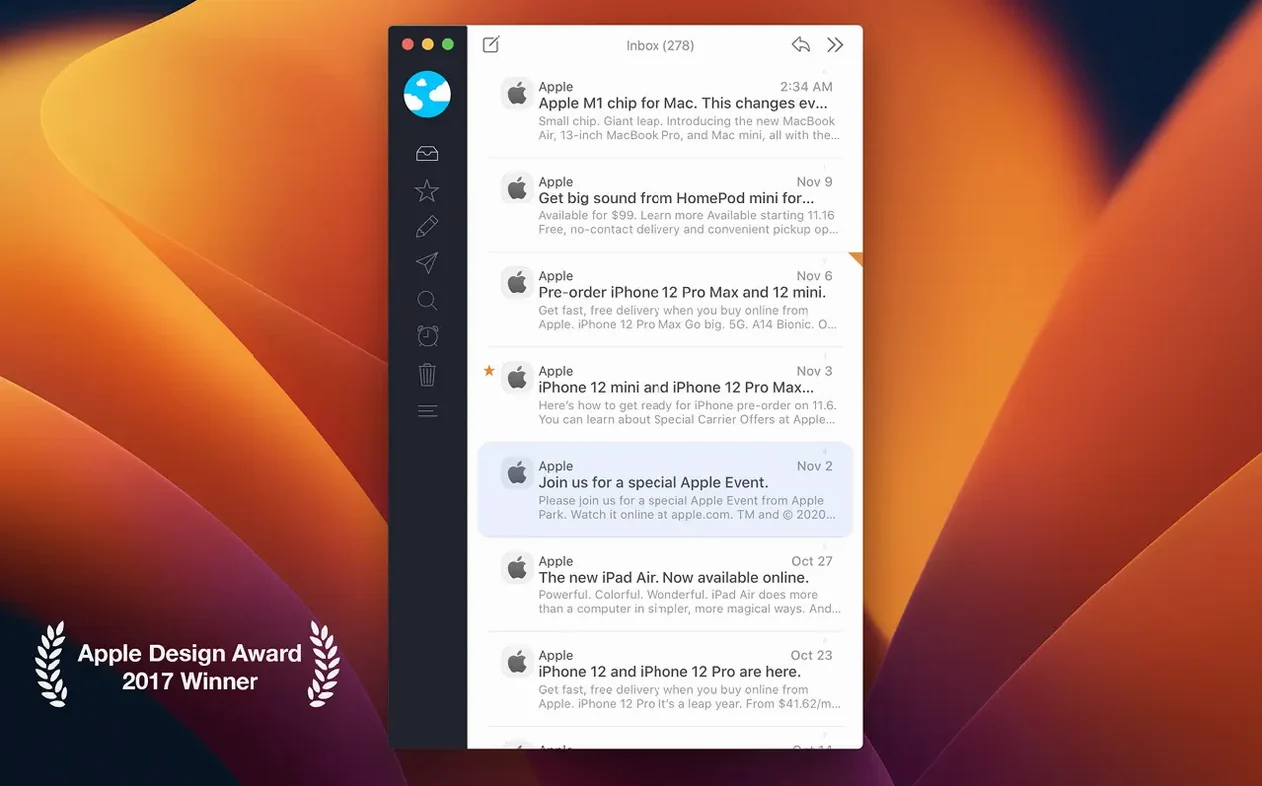
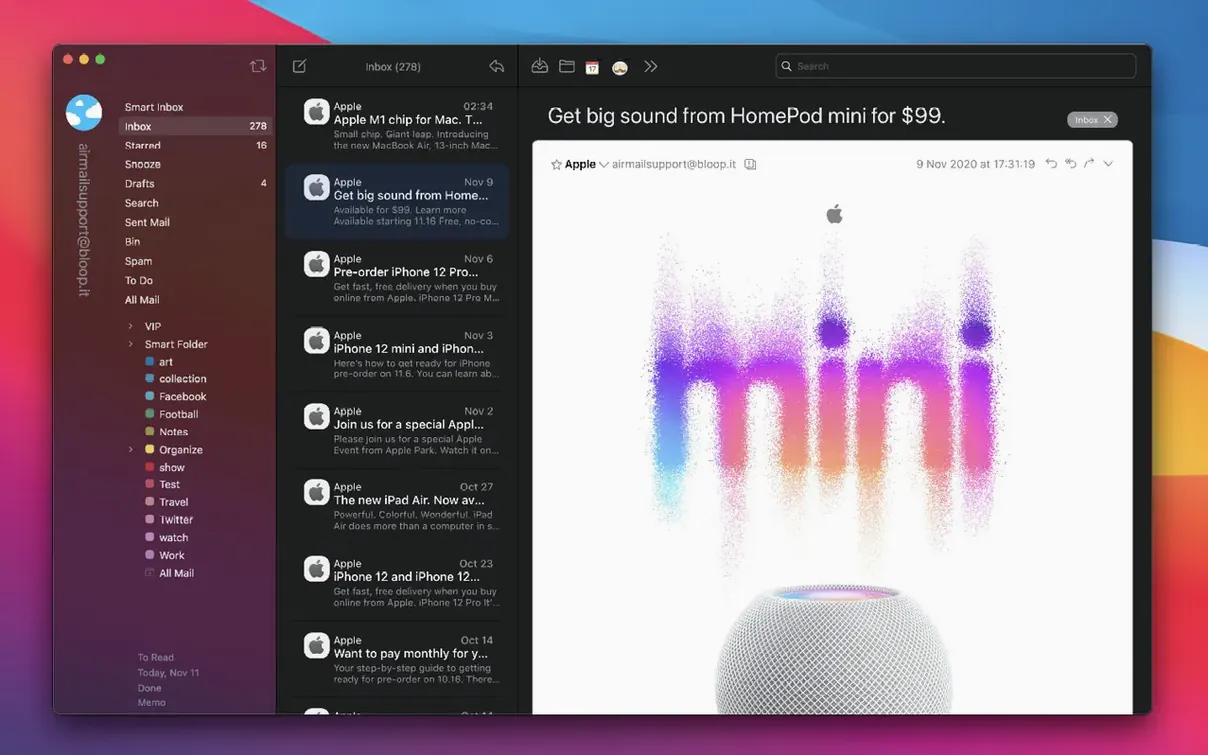
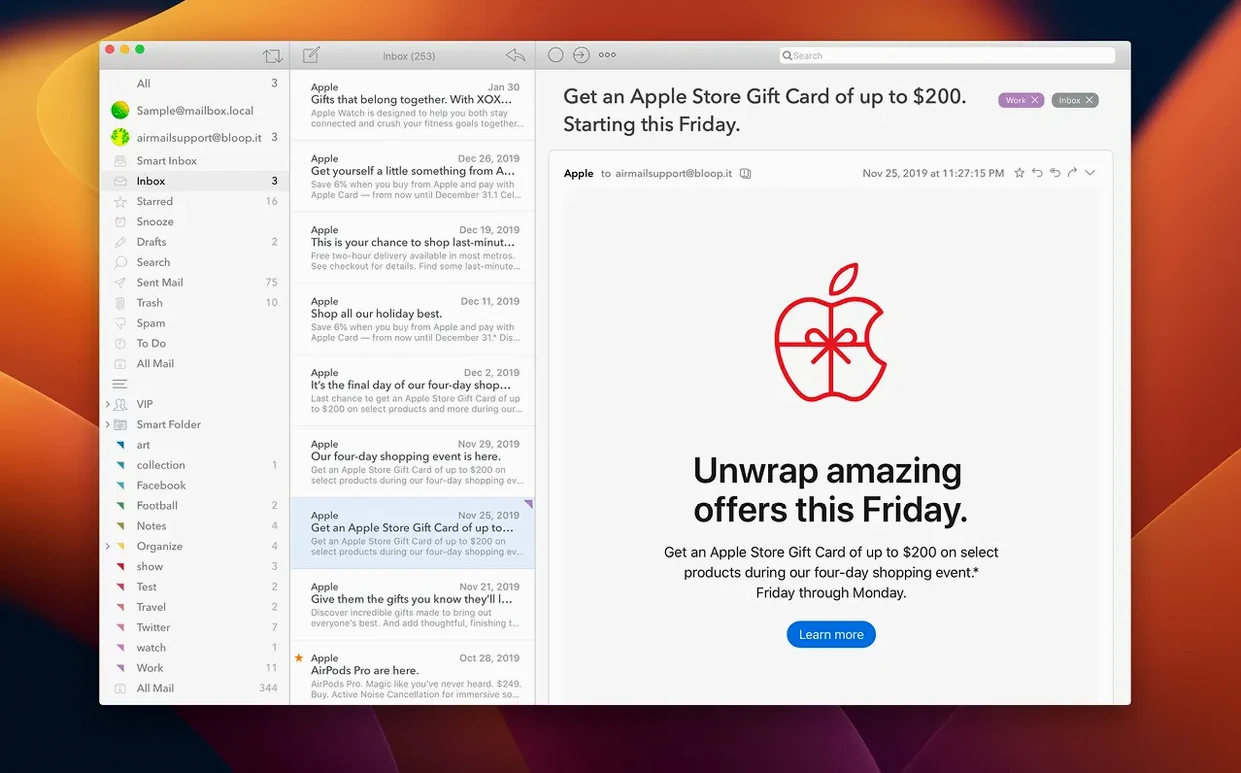
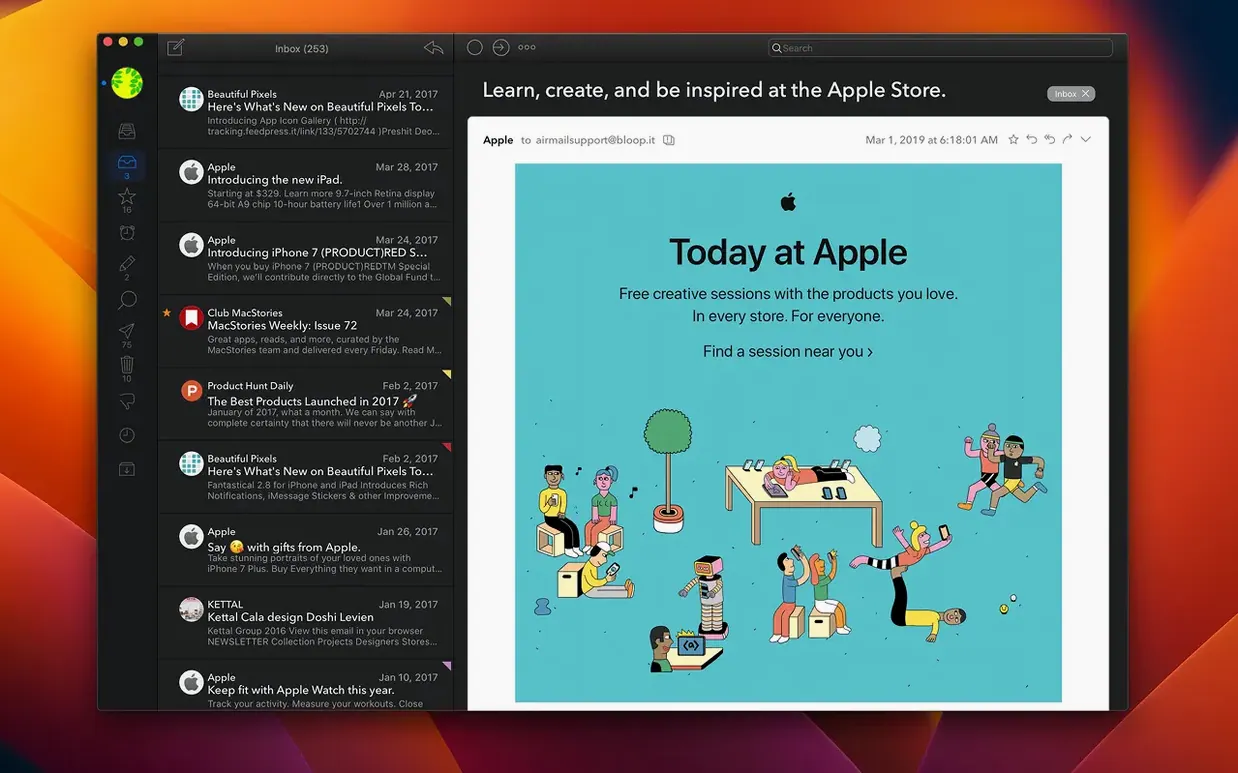
You sit down with coffee, launch Airmail 5, and all your accounts land in one clean, fast list. It feels a little empty until you make it yours. Here's what to do first.
- Unify your view. The smart unified inbox shows every message across your accounts. Turn off the folders you don't need in the sidebar so only real mail stays visible. Instant calm.
- Try a quick reply. Open any message and hit the reply bar at the bottom. The compose window stays compact, right inside the thread. Write your answer and send it without ever leaving your flow.
- Rough-draft an email. Hit the compose button on a slow connection. The modern, simple interface gets out of your way so the writing feels fast, not fussy.
Point drafts at your server before you switch machines
Out of the box, Airmail is polite but a little generic. A few quick flips in preferences and it starts working the way you think.
- Drafts folder. By default, drafts save locally. If you move between a MacBook and an iPhone, switch this to a server-side drafts folder per account. Your half-written replies follow you around.
- Swipe actions. The trackpad gestures are customizable but the defaults waste two spots on “archive” and “trash” right next to each other. I set a short left swipe to snooze and a long swipe to move to folder. Now I process mail without touching a menu.
- Send delay. Under Composing, enable a 20‑second undo send. It’s not flashy, but it’s saved me from firing off a half-finished reply more times than I want to admit.
- Notifications per account. Let VIP senders ping you, but mute the newsletter account entirely. Airmail lets you set notification rules per mailbox, and it’s buried just deep enough that most people skip it.
Tap v, start typing, file the message
Airmail 5 is full of little shortcuts that speed up the boring parts. Here are three I use every day.
- Quick move with the keyboard. Select a message and tap
v. A search bar opens over the folder list — just type the first two letters of a folder name and hit return. No mouse, no scrolling. - Send to Things or Reminders in one click. Drag any email to the sidebar icon for your task manager. Airmail turns the subject line into a task and links back to the original message. That’s your kitchen pass for inbox zero.
- Smart folders that actually work. Create a smart folder that collects “unread AND has attachment” across all accounts. Name it “Action” and check it once a day instead of scanning six inboxes.
Nothing here needs a manual. You just change a few defaults and suddenly Airmail feels less like a mail client and more like your mail client.
Bottom line: Airmail 5 rewards a little setup. Unify your inbox, reply without friction, and enjoy the speed before you explore anything deeper.
Version 26.037 squashes a bug. Nothing flashy, just a cleaner run.
- macOS 12.4 (Monterey) or later
- Intel 64-bit Macs
Notes from the tables 0
Sign in or pull up a chair to leave a note.
No notes on this one yet. They go up after I read them.