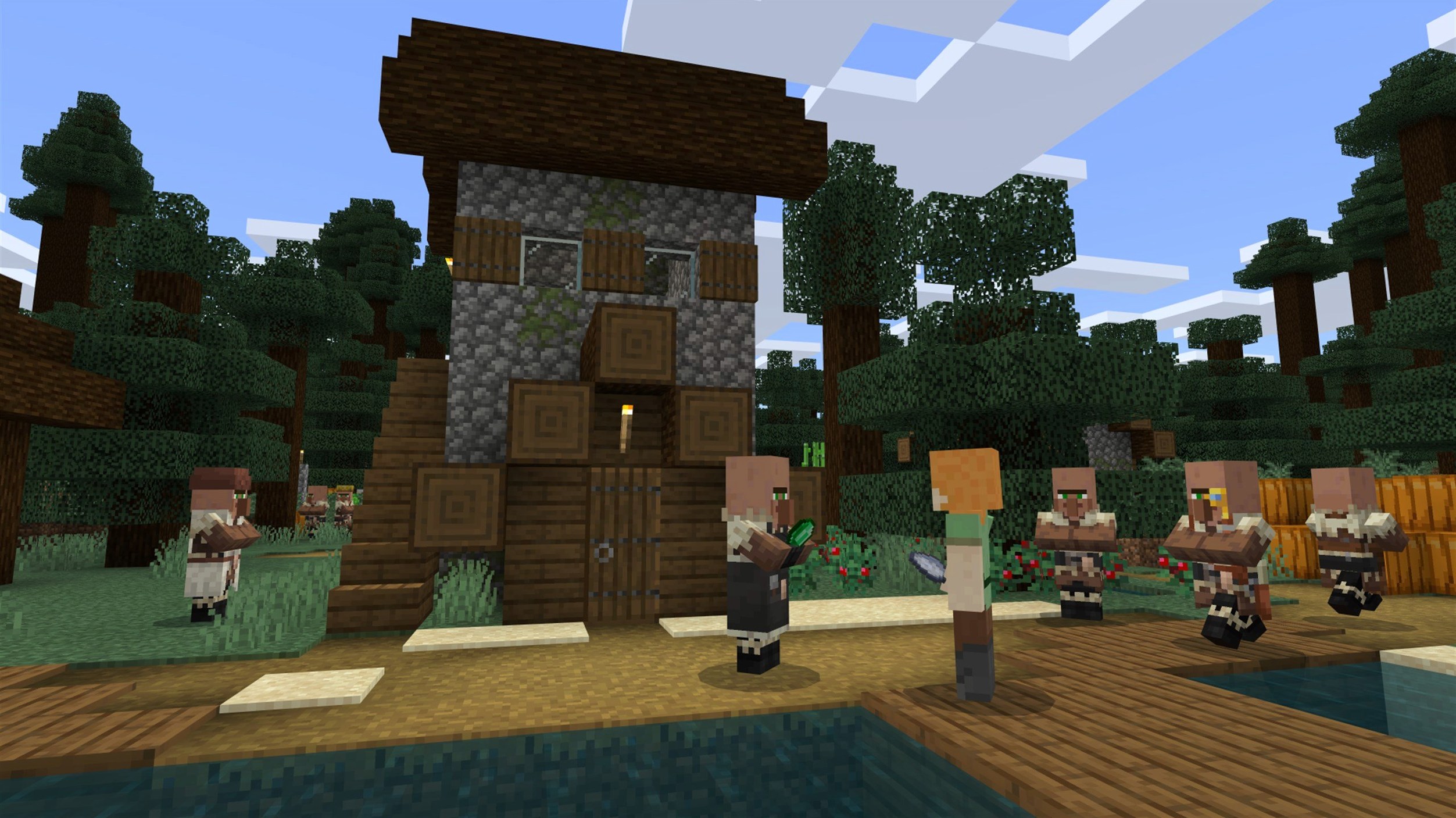
Minecraft Java Edition runs on any Mac with a 64-bit processor, so that covers Intel models from the last decade and every Apple Silicon machine right out of the box.
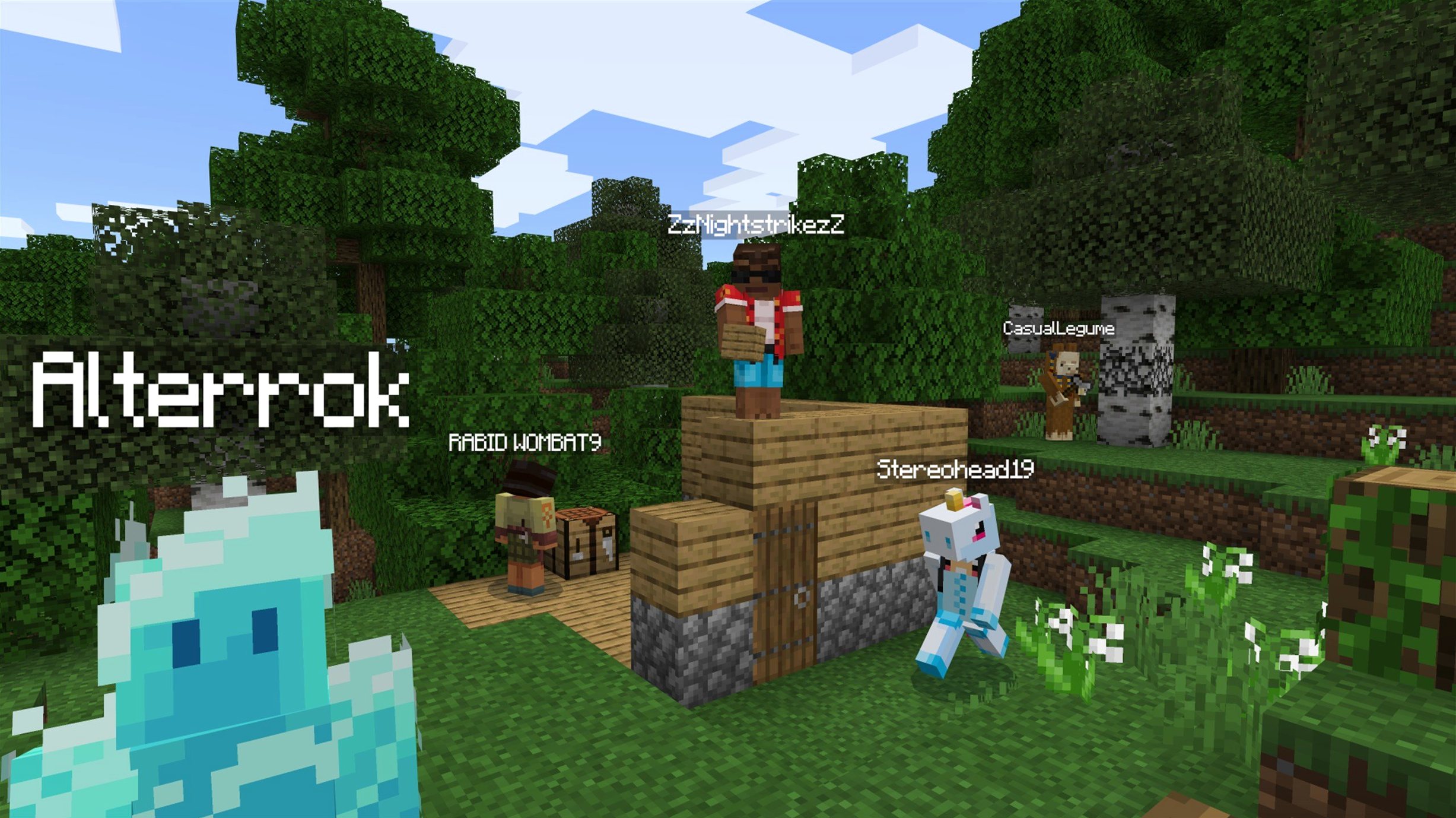
Sandbox — there's no script to follow. You punch trees, dig stone, and figure out what to build next.
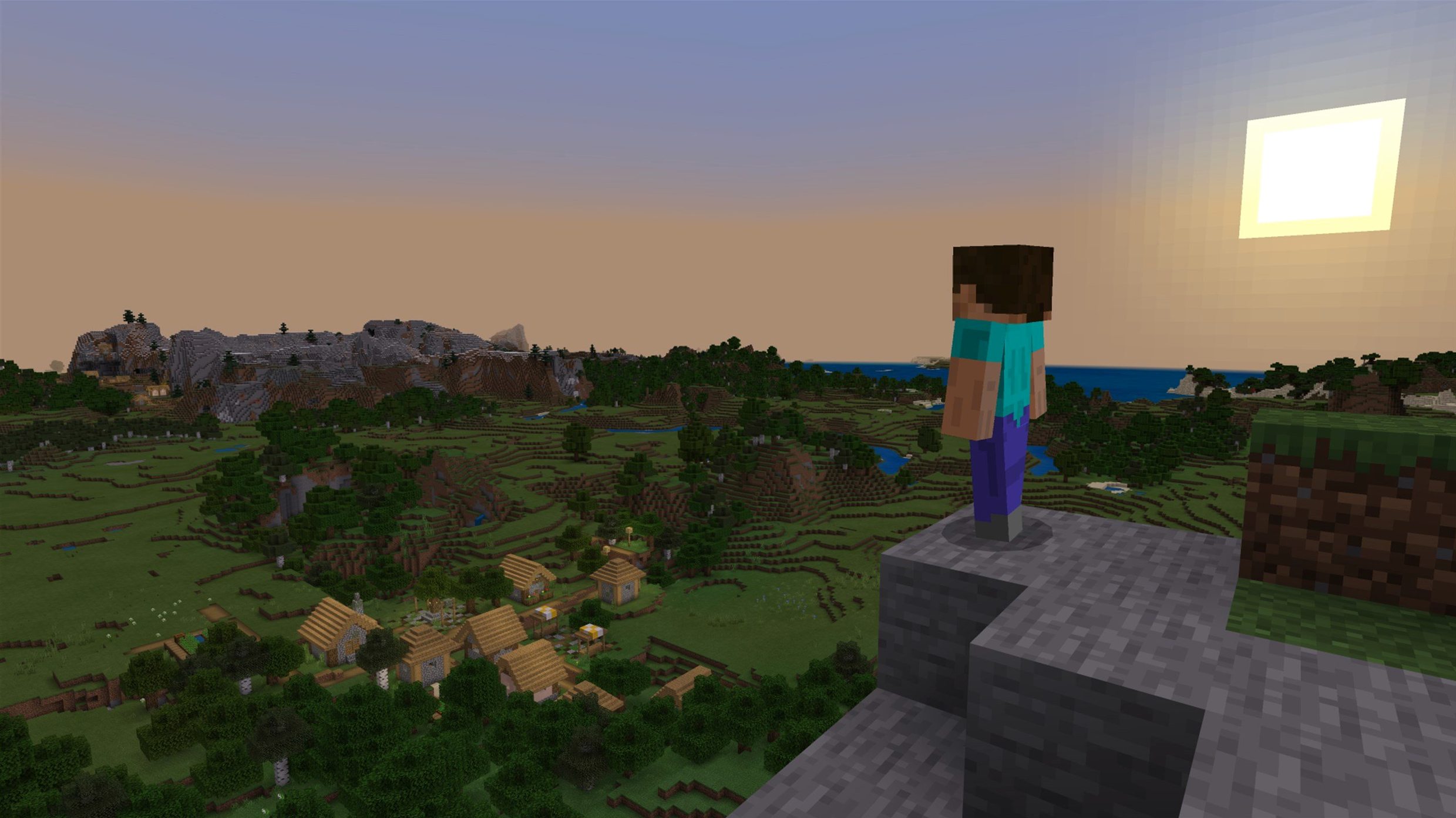
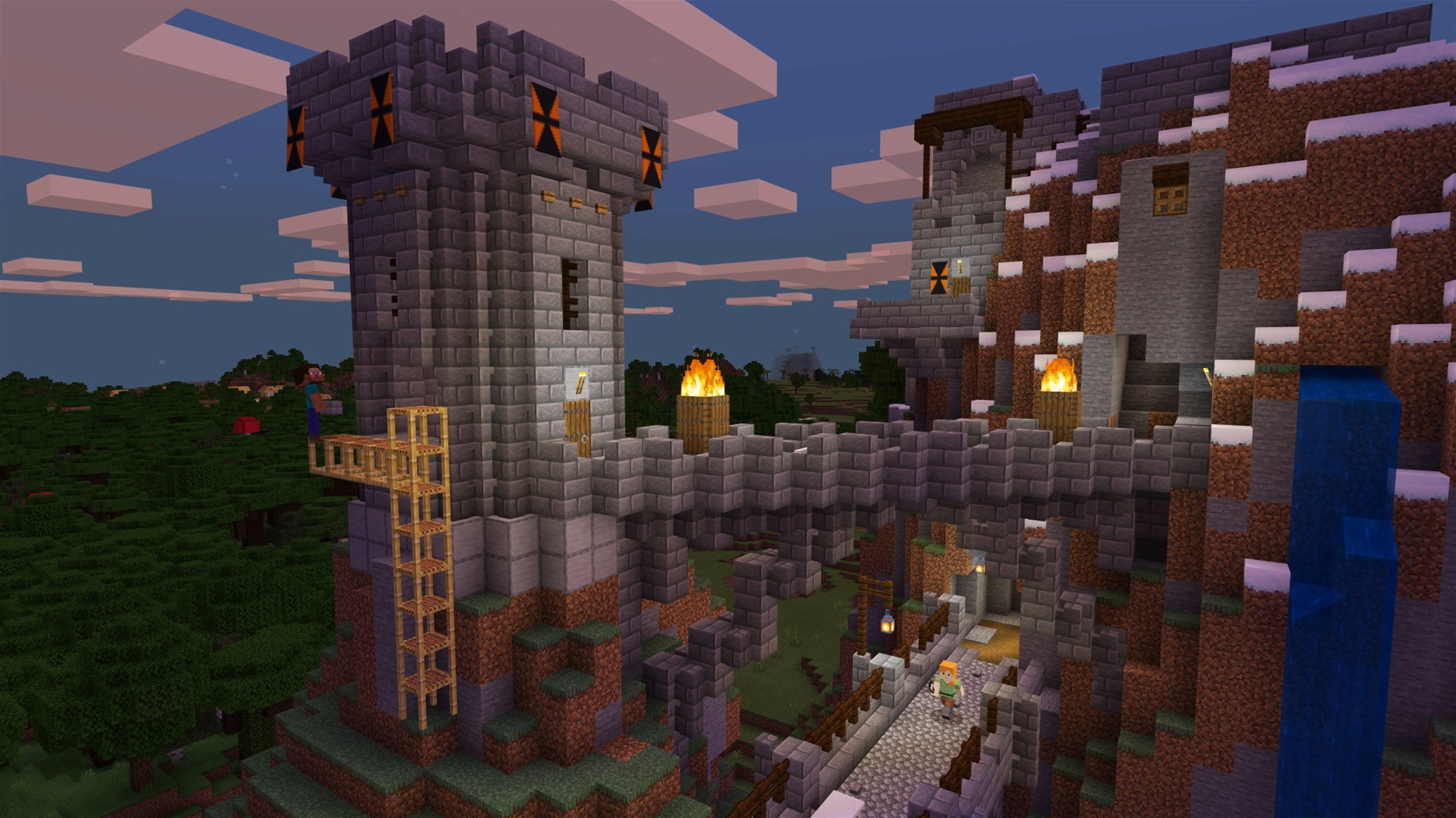
Blocks — the entire three-dimensional world is made of cubic blocks you can destroy and place again. Dirt, wood, obsidian, wool; the palette is enormous.
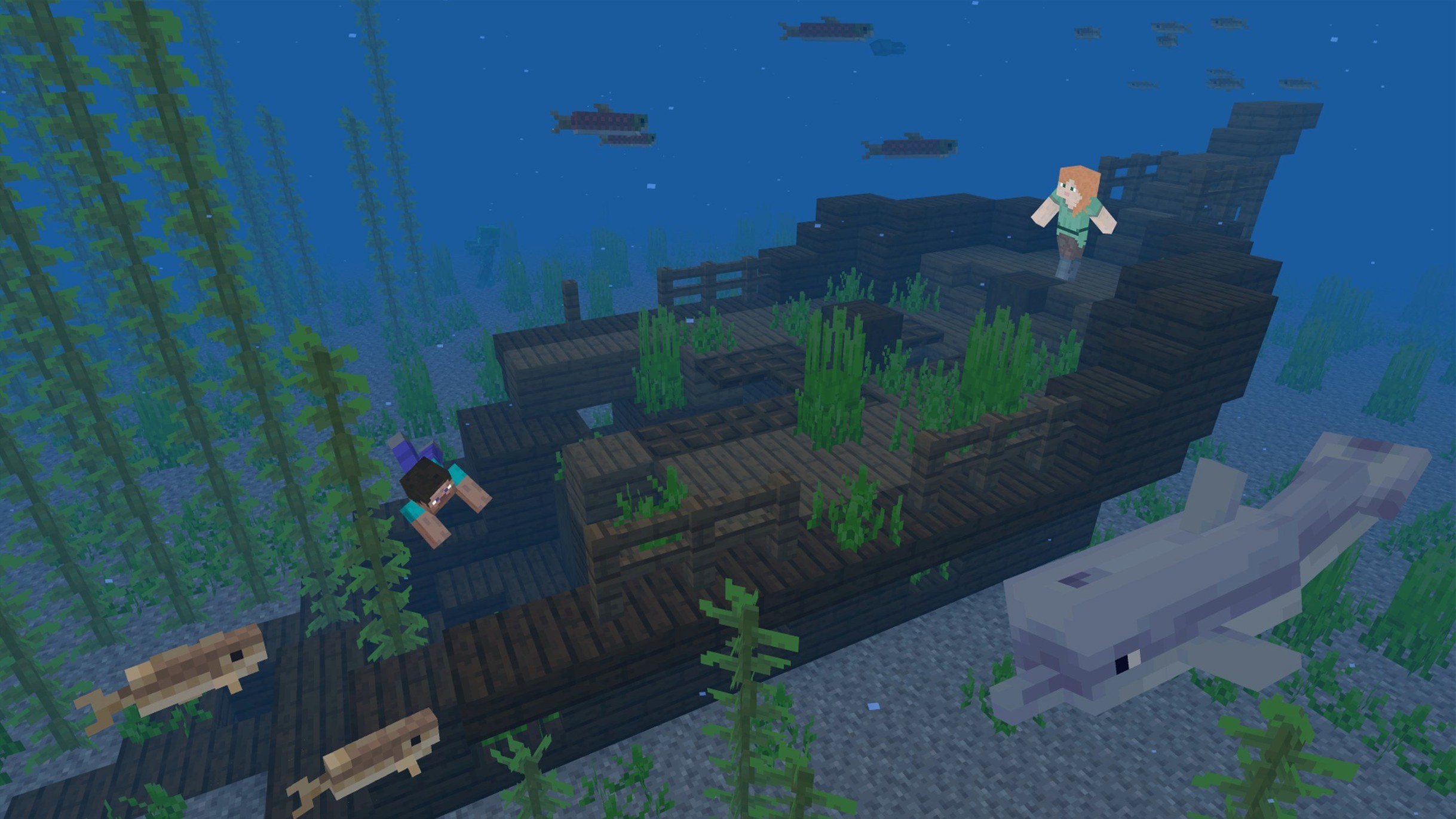
Procedural generation — every new world is built on the fly. Mountains, caves, oceans, and villages appear differently each time, so no two saves feel the same.
Music — the soundtrack ships with the game. Version 1.21.7 adds a playful new Lava Chicken disc to the collection.
On a Mac, performance is mostly about single-core speed. Apple Silicon chips handle the Java engine comfortably at decent render distances. An Intel Mac with integrated graphics will want the settings dialled back a notch, but the blocky look scales down without losing its charm. Trackpad and mouse both work fine; a basic two-button mouse makes inventory management a little quicker.
People occasionally fire up a fresh install of Minecraft Java Edition and hit a black screen or an outright crash before the title music ever plays. Nine times out of ten the culprit is outdated Java. The bundled launcher ships its own runtime, so you rarely need to install anything extra, but leftover system-wide Java installations from other projects can confuse things. If the launcher acts up, try removing any manually installed Java version from /Library/Java/JavaVirtualMachines and let the launcher use its built-in copy. Another quick fix for choppy frame rates on a Retina display is to lower the in-game resolution from the default retina scaling — the block art still looks crisp at half resolution and you will double your frames on older Intel integrated graphics.
Resource packs that worked perfectly in 1.21.6 sometimes refuse to load in 1.21.7. That is not a broken download — the resource pack version bumped to 64, and pack authors need time to update their files. If you are itching to keep your favorite texture pack, you can open the pack's pack.mcmeta file in a text editor and change the pack_format number to 64. It is a temporary bandage, not a guarantee, but it gets most simpler packs running while you wait for the official update.
Multiplayer connectivity troubles on a Mac almost always trace back to the firewall. macOS prompts you to allow incoming connections for Java the first time you open a world to LAN, but if you clicked "Deny" by reflex, head to System Settings → Network → Firewall → Options and make sure java is set to allow incoming connections. That one checkbox saves a lot of head-scratching when your friend on the same Wi-Fi cannot see your world.
mistakes fresh players keep making
The biggest early blunder is ignoring the recipe book. New players watch a few videos, load a world, and then stare at a crafting table with no idea how to make a pickaxe. The green recipe book icon inside the crafting interface lists everything you can build from the materials in your inventory — click it, and the game fills the grid for you. You will memorize the common recipes naturally after a few evenings; there is no trophy for suffering through the trial-and-error phase without help.
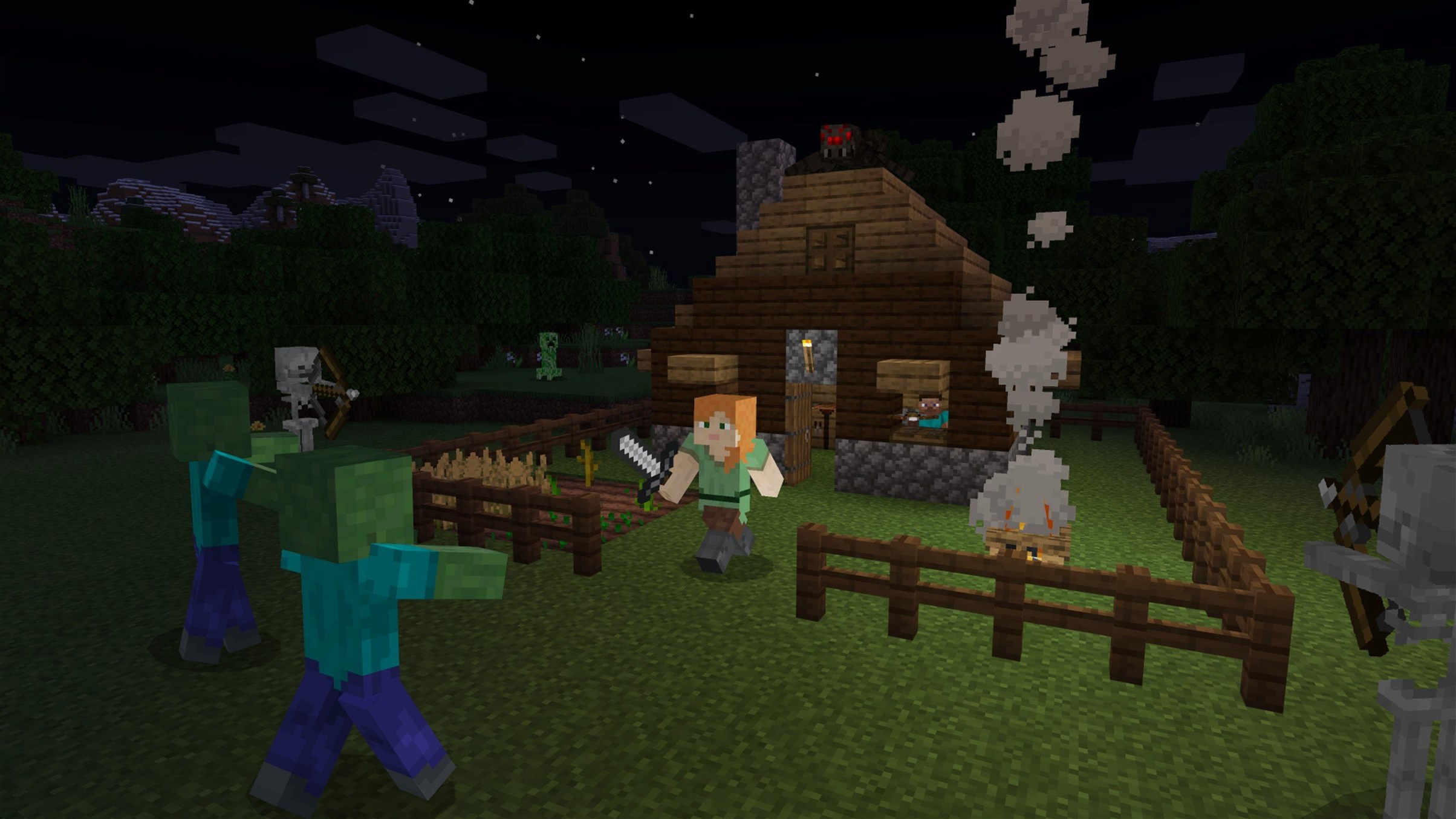
Sleeping through the night feels optional until a creeper wanders up to your half-built house. Beginners often skip crafting a bed because wool seems scarce, but you can shear sheep without killing them, and three wool blocks plus three planks give you a respawn point and a way to skip the mob-spawning darkness. Build the bed early, place it inside four walls, and suddenly the game shifts from survival panic to relaxed building.
Another frequent misstep is digging straight down. It is practically a meme among longtime players for a reason — the block beneath your feet might be the ceiling of a lava pool or a deep ravine. A safer habit is to dig a two-block-wide staircase or mine in a spiral pattern so you always see what is below before you step onto it.
Splash screen stutter fixed on Qualcomm Windows machines
The jump from earlier 1.21 releases to 1.21.7 is modest in feature count but quietly important for stability. The splash screen no longer stutters on Qualcomm-powered Windows machines, and AMD graphics cards on the Mac side received a fix for a startup crash that crept in a few patches ago. If you load the game on an M4 Mac mini running macOS Tahoe, as tested, the launch is smooth and the world generation hits full speed within seconds.
The two headline additions are small but full of personality: a new 3×3 painting you can hang on any wall and the Lava Chicken music disc. The painting shows up randomly when you place a painting on a three-by-three block surface and cycle through the possible artwork — it is a fun little surprise when it appears. The music disc is a lighthearted track that fits the farm-and-explore rhythm of mid-game sessions, and you find it the same way you find every other disc, by letting a skeleton shoot a creeper. Both additions feel like the kind of detail Mojang slips in between bigger updates, the sort of thing you might not notice for weeks until you stumble across it and grin.
Under the hood, data pack creators got a version bump to 81, which means a handful of new commands and behaviors are available for custom maps and server tweaks. The texture leak after reloading resources — an annoyance that slowly ate video memory on long play sessions — is finally patched. Text rendering also got a quiet fix, so signs and book screens look cleaner at odd GUI scales. Nothing here rewrites how you play, but the cumulative effect is a game that behaves more predictably when you alt-tab back and forth or leave a world running while you make a sandwich.
Version 1.21.7 is a small, cheerful update. A new 3×3 painting joins the wall decor options, and the Lava Chicken music disc adds a fresh track to the jukebox. Under the hood, the data pack version moves to 81 and the resource pack version to 64.
- macOS (64-bit system)
- Works on Intel and Apple Silicon Macs
Questions I actually get
Does Minecraft Java Edition run on Apple Silicon Macs?
Yes. The current version runs natively on Apple Silicon and Intel Macs through the Minecraft Launcher with no extra setup needed.
What languages are included in version 1.21.7?
The interface is available in Russian, English, and Ukrainian.
Notes from the tables 0
Sign in or pull up a chair to leave a note.
No notes on this one yet. They go up after I read them.