The queue feature is the one that changes how you work. Instead of grabbing snippets one by one, you cue up several items—a name, an email address, a tracking number—then paste them in sequence where they’re needed. It turns the clipboard from a single notepad into a short-term staging area, and once you’ve felt that rhythm, going back feels clumsy.
The shelf between your apps
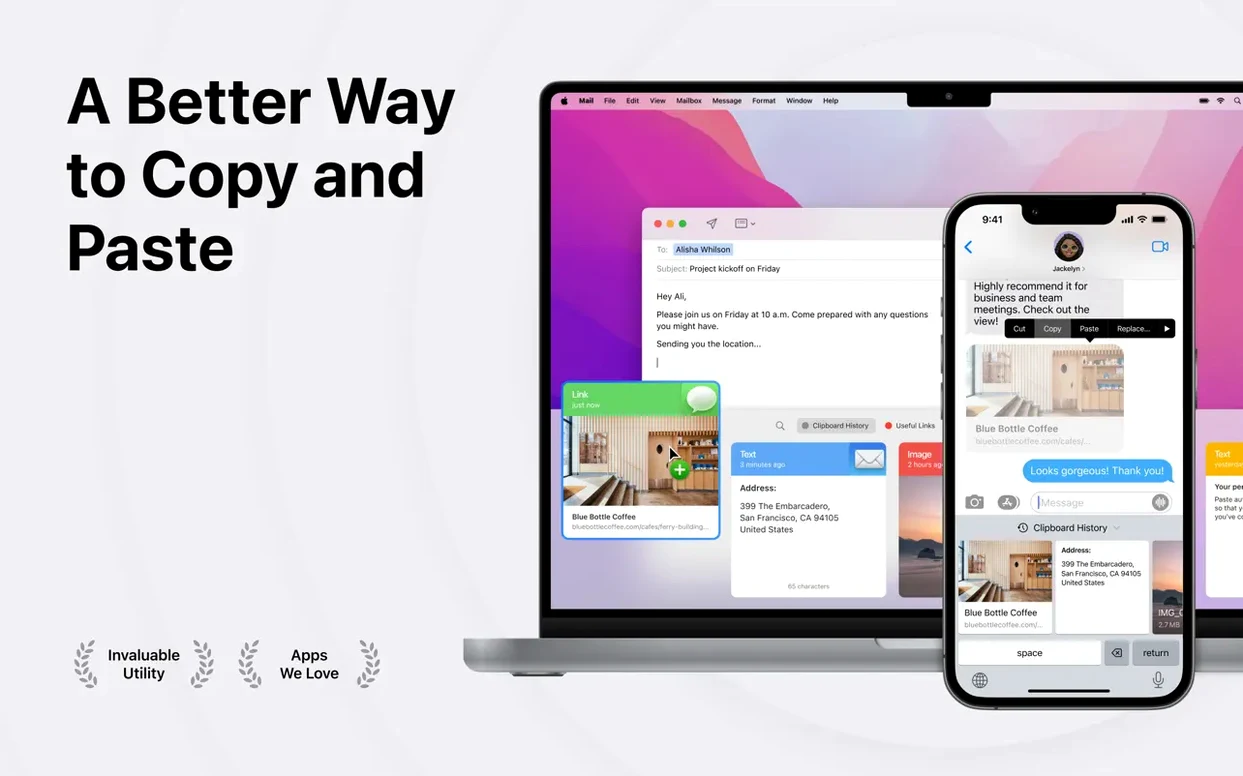
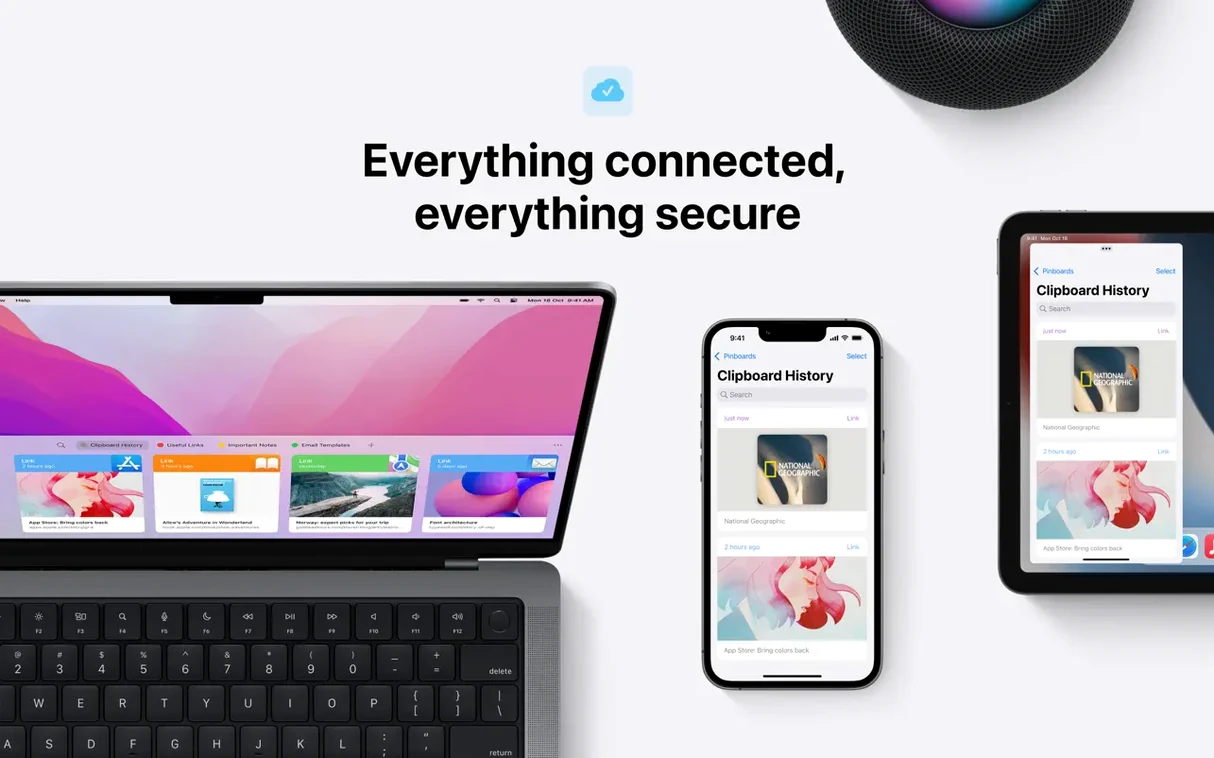
Paste doesn’t try to replace anything you already use. It sits alongside Finder, your browser, and whatever you write in, holding the bits that move between them. A screenshot lands here before it goes into a message. A link waits while you finish a paragraph. Because it speaks Universal Clipboard, whatever you copy on your Mac is already on your iPhone, and AirDrop lets you hand a clip to the person across the table without pasting it into a chat first. It feels less like a utility and more like a shared pocket.
What it actually stores
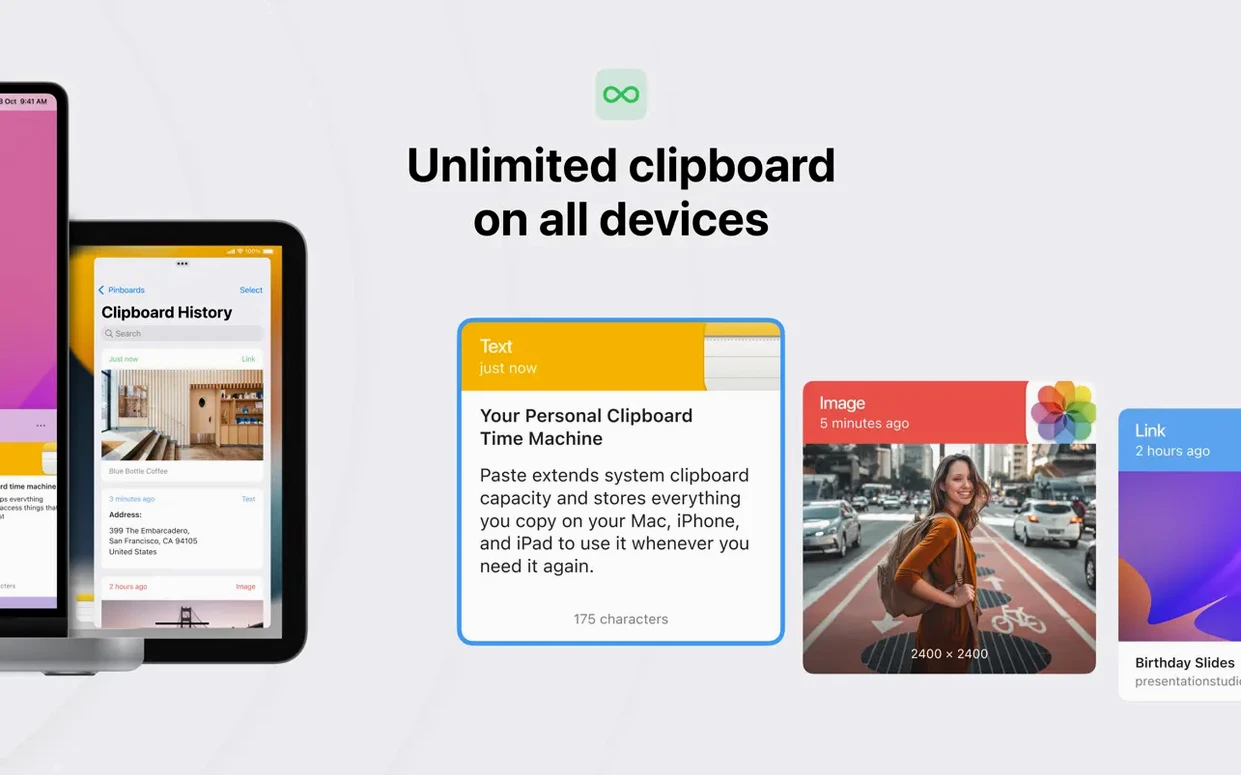
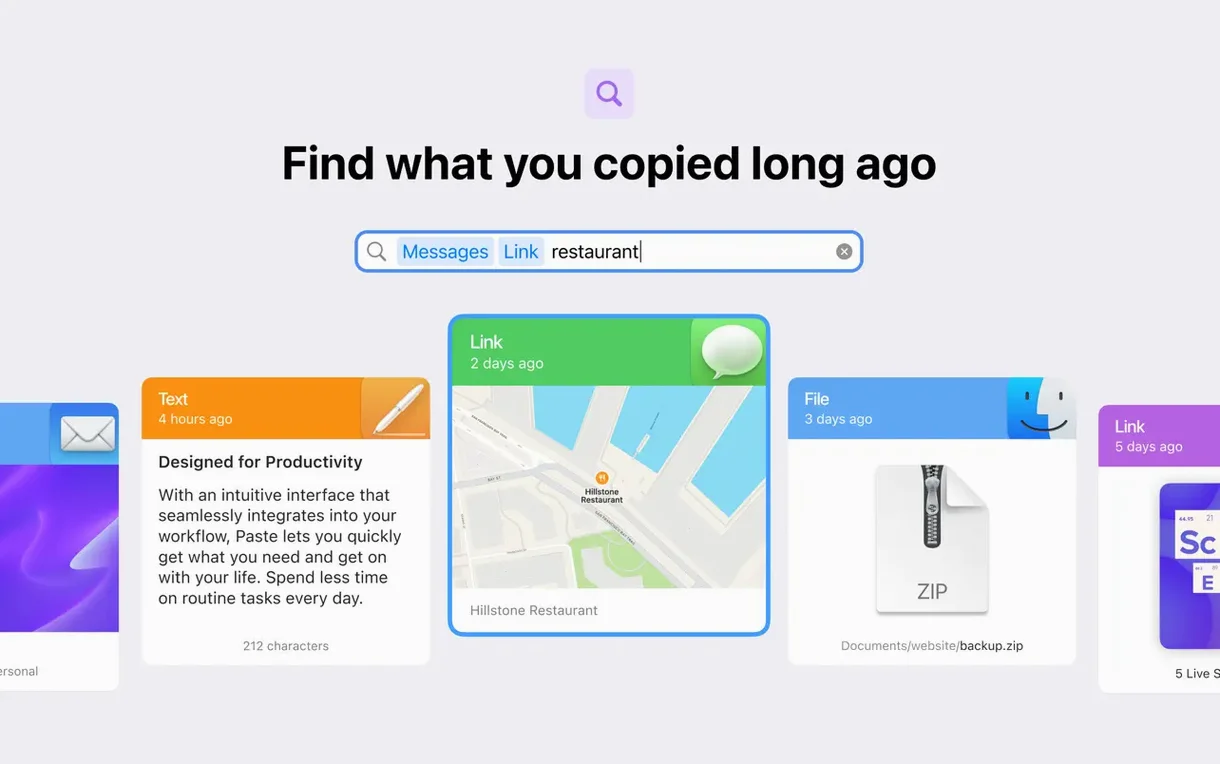
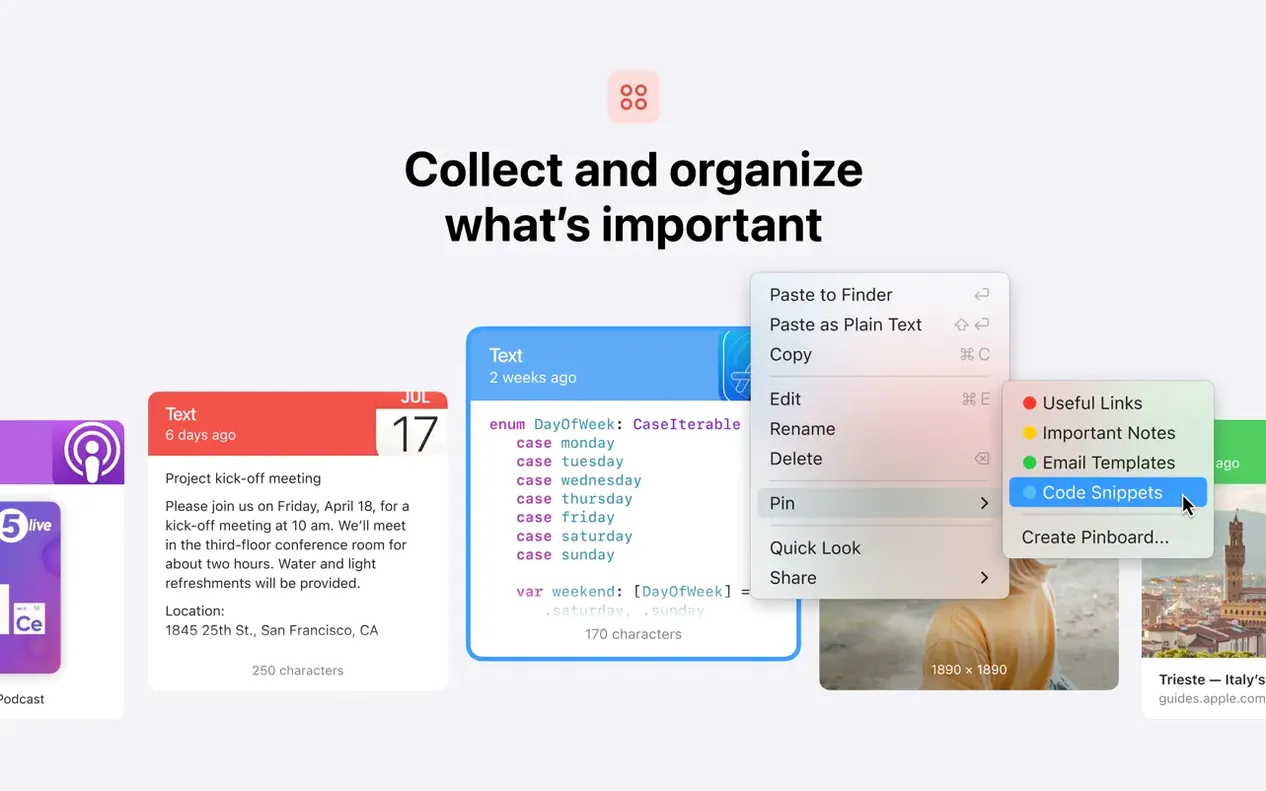
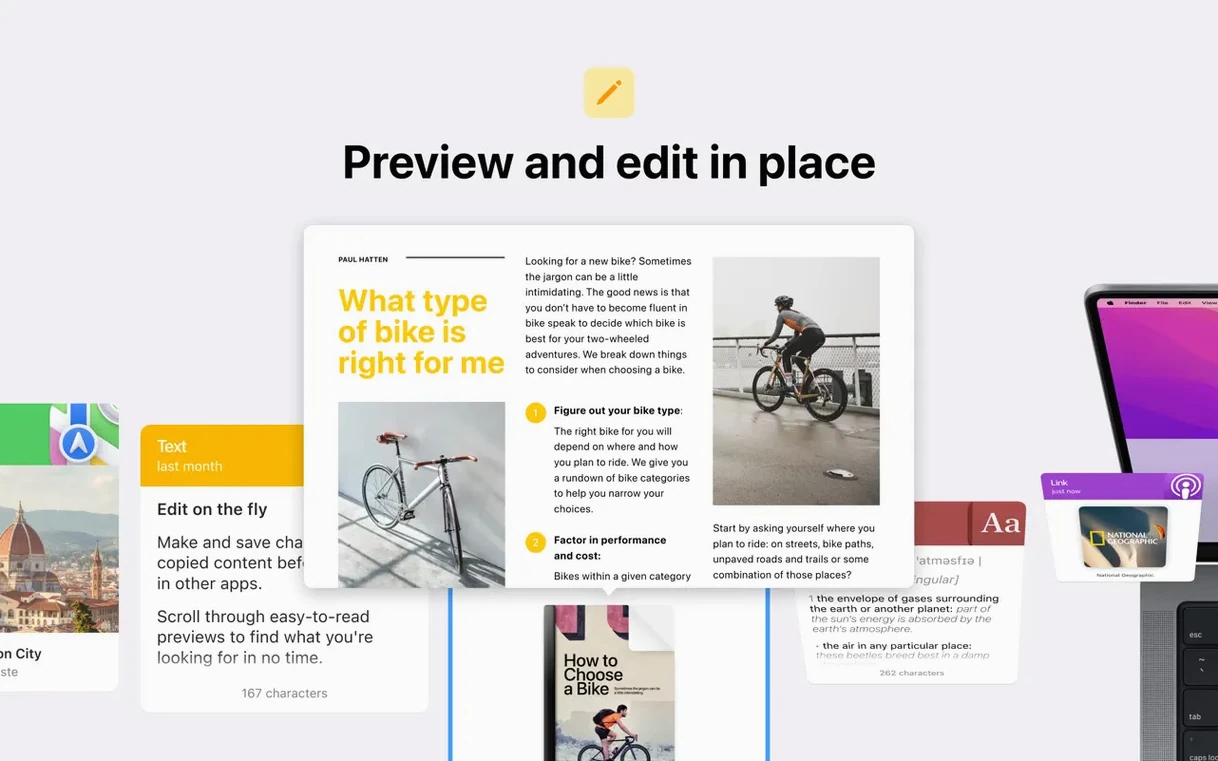
Text, images, screenshots, links—if you copy it, Paste keeps it. Everything is searchable, so you don’t scroll through a hundred entries hunting for that address you grabbed yesterday. The history syncs across Mac, iPhone, and iPad through the same Apple account you already use, and you can share a chunk of that history with someone else when a project needs an extra set of hands. The app runs on any Mac with Apple Silicon or an Intel 64-bit processor on macOS 13 or later.
First-day moves that save you later headaches
When you install Paste, it starts collecting everything immediately. That's the right instinct, but a few small tweaks on day one make the next month feel smoother.
- Set a keyboard shortcut you'll actually remember. The default works, but something like
Command + Shift + Vsits closer to muscle memory if you already useCommand + Vdozens of times a day. - Pin the three or four things you paste constantly—your email signature, a canned response, a Zoom link. Pinned items stay at the top and never age out of the history.
- Turn on plain-text paste for at least one list. When you're moving text between a styled document and a plain email, stripping formatting with a single click saves you from cleaning up fonts and colors later.
- Create a second pinboard, not just the default one. One for work snippets, one for personal. The mental separation pays off when you're searching at speed.
Clutter-free copy versus menu bar minimalism
Plenty of Mac users end up comparing Paste with a few familiar names. Maccy is the lightweight contender—open source, lives in the menu bar, does one thing well. If all you want is a searchable text history with zero frills, Maccy fits. But it doesn't touch images, doesn't sync across devices, and has no queue system. Paste earns its weight when you need more than text.
CopyClip hangs out in the same menu-bar neighborhood, and it's even simpler. It keeps a list of your last copied text items and lets you click one to bring it back. No search, no pinboards, no iCloud sync. It's the option when you want something feather-light and free, but it won't help you build a multi-item paste or grab a screenshot from yesterday.
Then there's Pastebot, which feels like the closest cousin. It also queues items and strips formatting, and it syncs across devices. The difference is that Paste's interface stays visually closer to what you copied—thumbnails for images, readable snippets for text—while Pastebot leans more abstract and keyboard-driven. Neither is wrong; it's a question of whether you want your clipboard to feel like a shelf you can see or a command you type.
Where Paste carves out its own space is the combination of that visual history, the queue, and the iCloud sync that just works without extra accounts. It's not the lightest, it's not the cheapest, but for anyone who moves bits between apps all day, the rhythm it creates is hard to find elsewhere. If you grabbed a paste mac download to try it, the first queue paste is the moment you'll know whether it sticks.
- macOS 13 or later
- Apple Silicon or Intel 64-bit processor
Questions I actually get
Does Paste work with Universal Clipboard?
Yes. Anything you copy on your Mac appears on your iPhone or iPad through the same Apple account, and vice versa.
Can I share my clipboard history with someone else?
You can. Paste lets you share part of your clipboard history directly with another person, which is handy for collaborative work.
Notes from the tables 0
Sign in or pull up a chair to leave a note.
No notes on this one yet. They go up after I read them.