Runs natively on Apple Silicon and Intel
CapCut asks for macOS 10.14 or later, and it runs natively on both Apple Silicon and Intel 64-bit machines. If your Mac is old enough to have a CD drive, it might be time to check that version number, but most machines from the last half-dozen years are good to go.
One-click filler word and pause removal
- Turning rough audio into clean speech. The one-click filler-word and pause removal is a real timesaver for podcasters who talk with their hands.
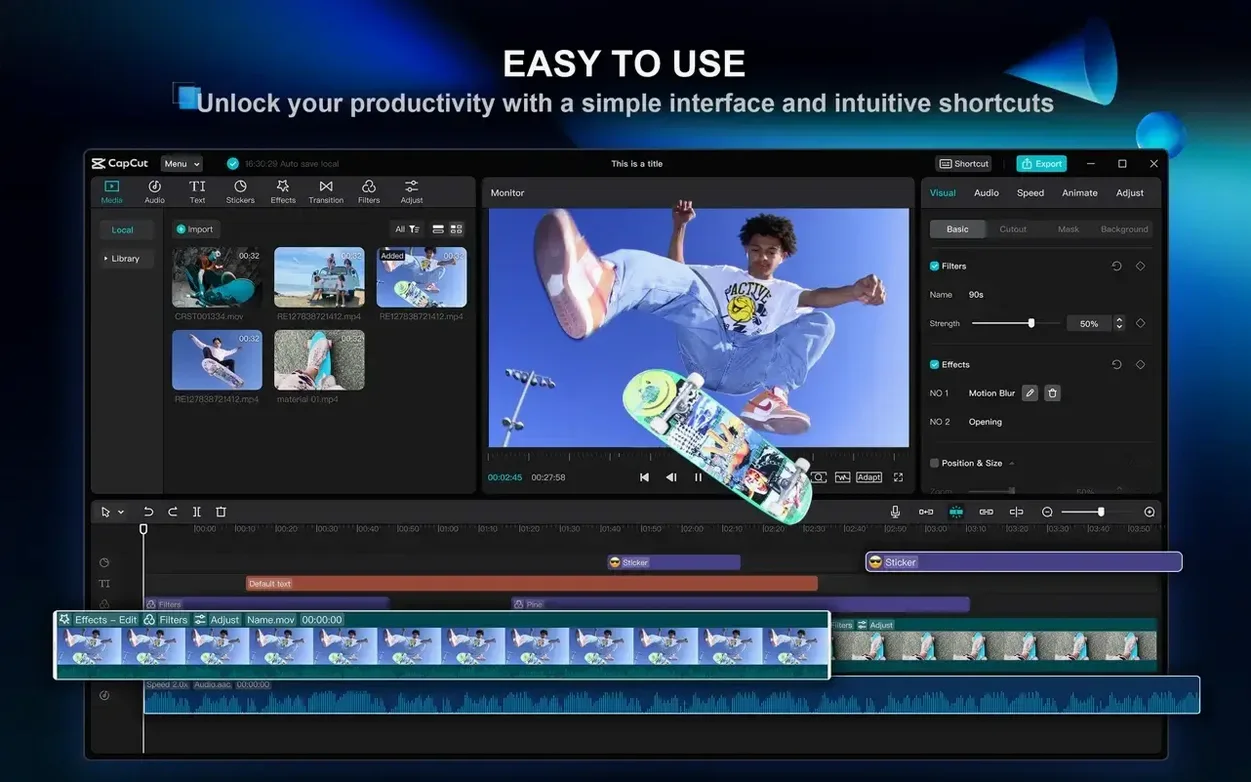
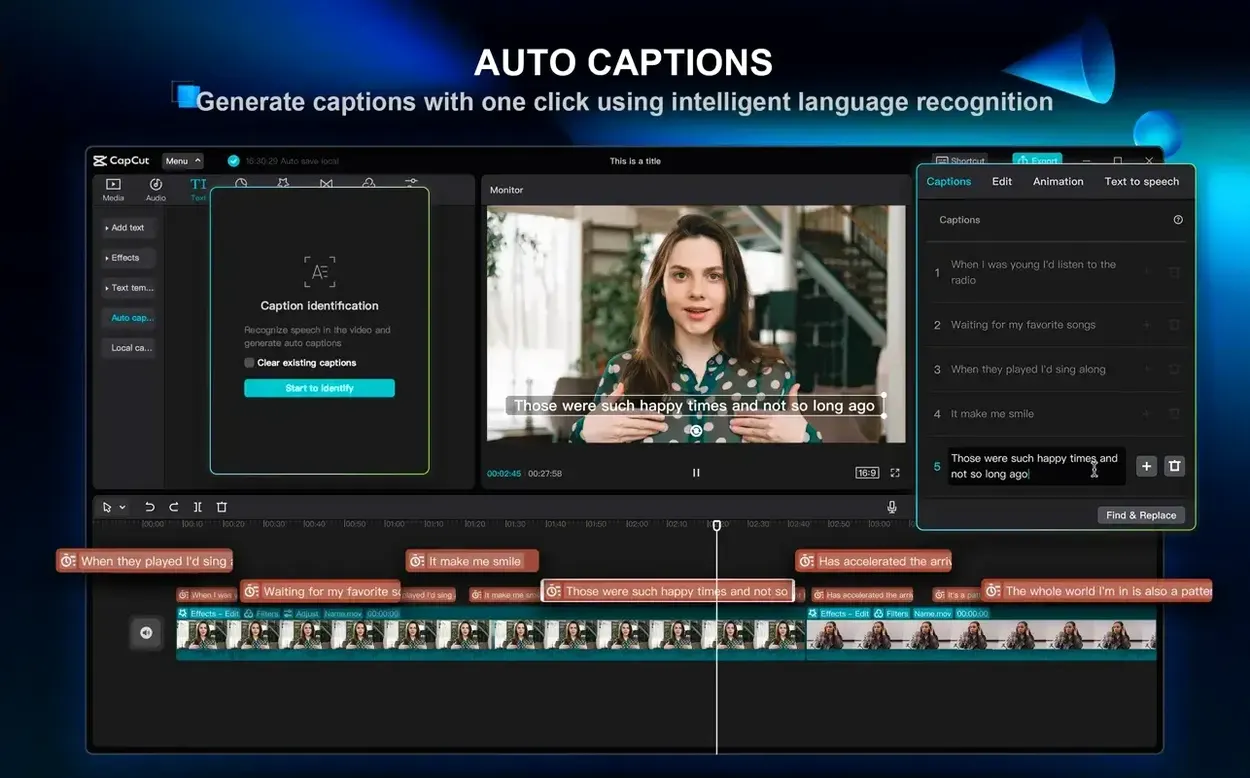
- Quick social cuts. Auto-generated subtitles from speech and one-click background removal get a short-form video out the door while the topic is still warm.
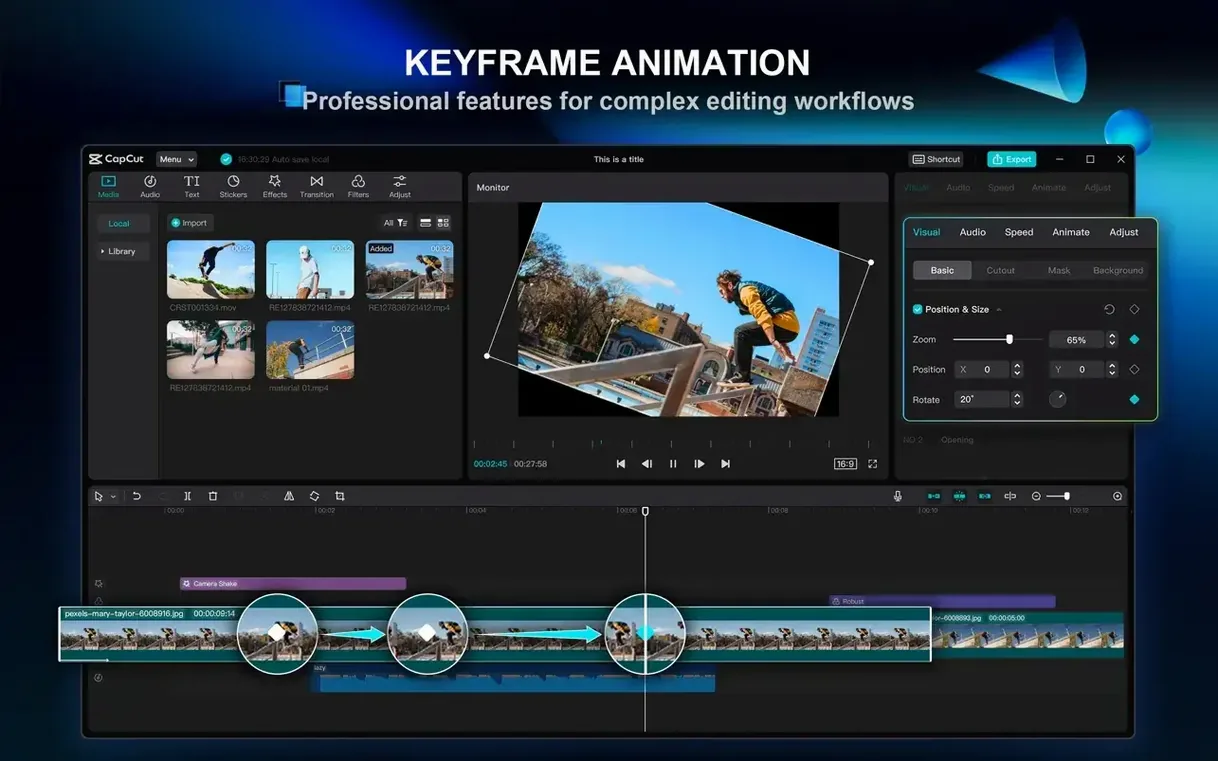
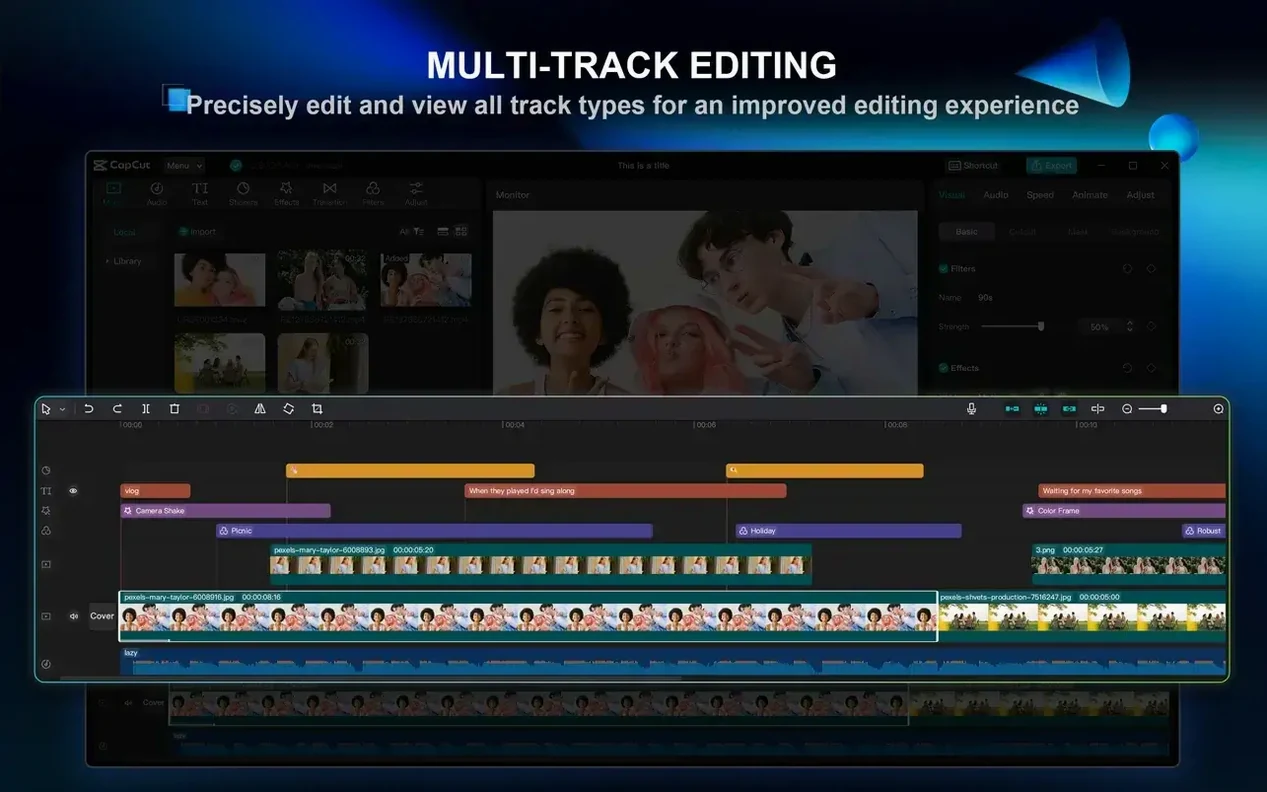
- Playing with motion. Keyframe animation gives you frame-by-frame control when you want something to drift, spin, or shrink on screen, and multi-track editing lets you stack those moves up.
Sits alongside Resolve, not a replacement
- It’s one piece of the puzzle. CapCut handles chroma key and stabilization, but if you’re deep in a color grade or mixing a feature-length timeline, it sits alongside a tool like Resolve or Final Cut rather than replacing them.
- It learns from the cloud. The AI features pull their weight best with an internet connection, so working from a park bench on a hotspot might slow that part down.
From a script to a watchable first draft
I get the most mileage out of CapCut when I treat it like a fast first pass rather than a finishing room. Here’s how I go from a written script to something I can show a friend in under twenty minutes.
- Drop the script in first. Open the Text to video tool and paste your full script. CapCut scans it and breaks it into rough scenes. Pick a ratio — 16:9 for YouTube, 9:16 for TikTok — and let it suggest a structure. Don’t marry the suggestions; just use them as scaffolding.
- Swap the stock footage. The auto-matched clips are a starting point. Hit the media tab, drag your own B-roll onto the timeline, and trim to the beat of the voiceover. The magnet-snap on the track edge helps here — clips pull together without a gap.
- Generate the voice, then clean it. Choose a text-to-speech voice that fits the tone, render it to the timeline, then run the Remove filler words pass on the audio track. It catches the “ums” the AI voice never makes, but more importantly it tightens the natural pauses between sentences.
- Add captions from speech. Select the voiceover track and hit auto-caption. The timing usually lands within a frame or two, and the text styles are plenty for a draft. I stick with the clean white-bold style and bump the size a notch.
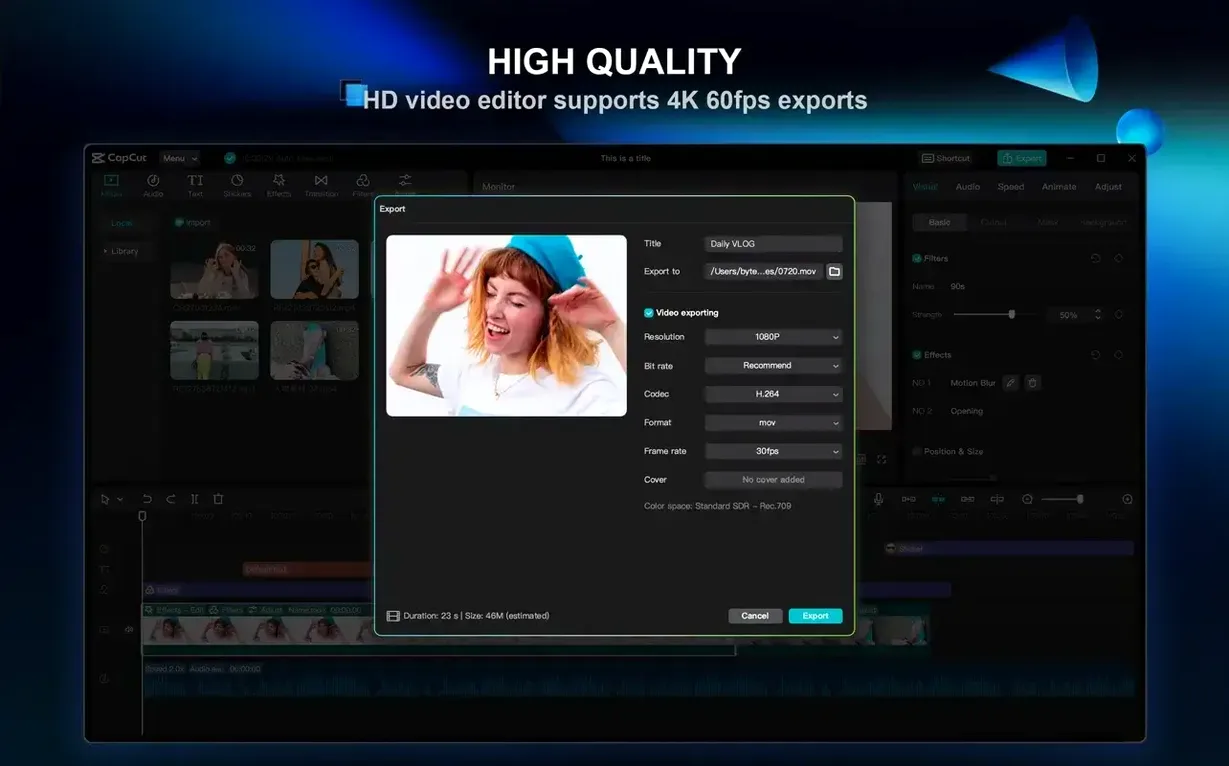
At that point, export a 1080p preview and watch it on your phone. You’ll spot the clunky transitions and the clips that hang too long immediately. CapCut’s whole design leans toward that iterate-and-reshoot rhythm, and the draft is light enough to toss and redo without losing an afternoon.
Option-drag a clip edge for ripple trim
A few shortcuts I missed for months, and one or two that aren’t obvious even when you’re looking for them.
- Hold Option while dragging a clip edge and you get a ripple trim — the rest of the track slides along with it instead of leaving a gap.
- Right-click any clip and choose Create compound clip. It nests whatever you selected into a single block. Handy when you’ve stacked five layers of text and stickers and want to move them as one.
- The speed curve panel hides behind the speed button. Tap it and you can ease a clip into slow motion with bezier handles instead of a flat percentage.
- Shift-scroll on the timeline zooms horizontally, and Command-scroll adjusts track height. Both beat hunting for the tiny slider.
If you’ve been using a lightweight cutter and are curious about something closer to a pro setup, a CapCut Pro torrent or CapCut Pro Mac torrent gets you the full desktop editor without the subscription strings attached. Some folks grab a CapCut torrent just to test the keyframing and multi-track workflow before committing, and that’s a fair way to feel out whether it fits your editing style.
Bottom line: CapCut shows up for the quick-turnaround jobs without making you overthink it.
- macOS 10.14 or above
- Apple Silicon or Intel 64-bit Mac
Questions I actually get
Can CapCut remove a green screen background?
Yes, it supports chroma key background removal by color, so you can key out a green screen and replace it with your own footage or still.
Does the Mac version handle shaky handheld footage?
It does. The built-in video stabilization can smooth out handheld clips without you needing to round-trip to another app.
Notes from the tables 0
Sign in or pull up a chair to leave a note.
No notes on this one yet. They go up after I read them.