
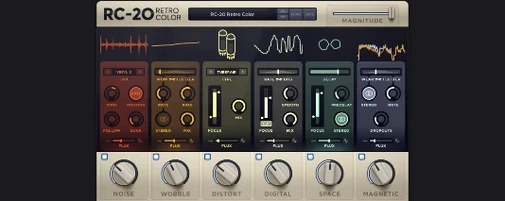
A clean digital recording can feel a little too polite. It's missing the fingerprints—the hum of a tape machine, the slight warble of a worn-out motor, the hiss that makes a sample feel dug out of a crate. That's the problem RC-20 Retro Color solves. It lives on tracks and buses where a sterile sound needs some history baked into it, and it does the job without making you feel like you need an engineering degree from 1972.
- On individual drum tracks — add a touch of the Magnetic module to dull the transients and give a one-shot hi-hat the character of a dusty breakbeat.
- Across the mix bus — layer in subtle Noise and Wobble to glue a track together with a gentle, shared room tone.
- On a synth lead — use the Distort module to push it forward, then dial in some Digital crud to make it sound like a worn-out 80s sampler.
- As a parallel send — crush a copy of the vocal with the Space reverb and heavy wobble, then blend it underneath for texture without losing clarity.
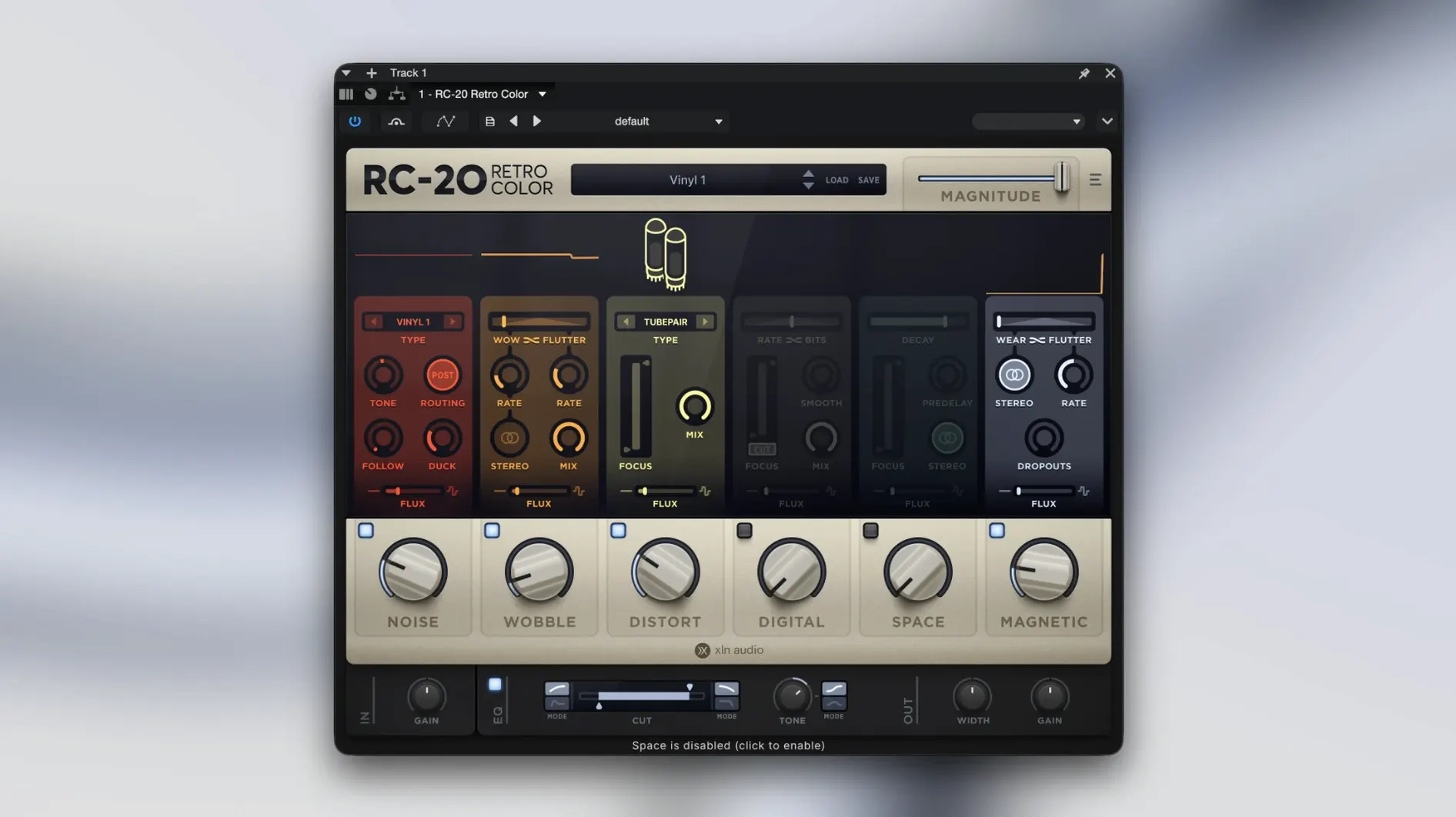
The beauty is in the six modules. You can stack all of them for a completely degraded mess, or just nudge the Flux control on the Wobble module to give a static pad a little life. It's not about doing a full restoration job in reverse—it's about finding the one or two imperfections that make a part sit right.
CPU spikes from stacking six modules per instance
Most problems aren't the plugin's fault—they're just what happens when you mix old-school character with modern setups. Here are the ones I hear about the most:
- CPU spikes with multiple instances. Six modules per instance adds up fast. If your session starts coughing, freeze or bounce tracks with RC-20 printed on them. Keep the plugin live only on the tracks you're still dialing in. The Flux engine, in particular, runs real-time calculations—muting Flux on instances you've already tweaked can claw back some headroom.
- Flux behaving unpredictably. Flux is meant to wander, but if it's jumping too far too fast, check the Magnitude knob before anything else. Crank it down to maybe 20% and see if the movement feels more like tape drift and less like a broken pedal. Tiny adjustments here make a big difference.
- Low-end disappearing after adding Noise. Some noise profiles carry a subtle high-pass character that can thin out kicks or bass. Drop the Noise module's mix level lower than you think you need, then use the module's tone control if you need to darken what's left. A little goes a long way—you're after texture, not a blanket of fuzz.
- Installation not showing up in your DAW. If RC-20 isn't appearing after a fresh install, it's usually a plug-in scan issue. Rescan your AU or VST folders from within your DAW's preferences. On Apple Silicon machines running natively, make sure your DAW isn't still in Rosetta mode—the plugin is ARM-native and wants the host to match.
Turning a clean digital rhodes into a warbled, heavy texture
Picture this: you've got a soft, digital-sounding rhodes part that sits too clean in the mix. It needs weight and a little instability. You drop RC-20 onto the channel and open the Magnitude control on the Magnetic module first—just a hair, until the bottom end rounds out and the attack softens like tape being pushed a little hot. The preset is flat, so you're building from scratch.
Next, you flip over to Wobble and pull the Mix down to around 15%. Not enough to make it seasick—just enough so sustained chords breathe instead of freezing in place. You nudge the Flux knob so the speed varies slightly. The rhodes now sounds like it was sampled off a cassette deck that's seen better days. Good.
You add a touch of the Digital module, dialing the bit depth down until the release tail gets grainy. The Space reverb stays off—this part doesn't need it—but you do pull in the Noise module with a vinyl-style profile, mixed so low you only miss it when you bypass the plugin. That's the moment you know it's done: bypass off, the rhodes feels alive. Bypass on, it sounds like a MIDI demo. You print the track and move on.
- macOS 10.13 or higher
- 64-bit only
- Compatible with Intel and Apple Silicon Macs
Questions I actually get
Does RC-20 Retro Color work natively with Apple Silicon Macs?
Yes, the current version supports Apple Silicon natively, so it runs smoothly on newer Macs without any translation layer.
Notes from the tables 0
Sign in or pull up a chair to leave a note.
No notes on this one yet. They go up after I read them.
More from the VST Plugins page
The whole page VST Plugins Updated 72 MB
Revoice Pro
5.1.30
VST Plugins Updated 72 MB
Revoice Pro
5.1.30
 VST Plugins 39 MB
RipX DAW Pro
8.0.3
VST Plugins 39 MB
RipX DAW Pro
8.0.3
 VST Plugins 1.6 GB
Roland Cloud Legendary Series
2025.06.29
VST Plugins 1.6 GB
Roland Cloud Legendary Series
2025.06.29
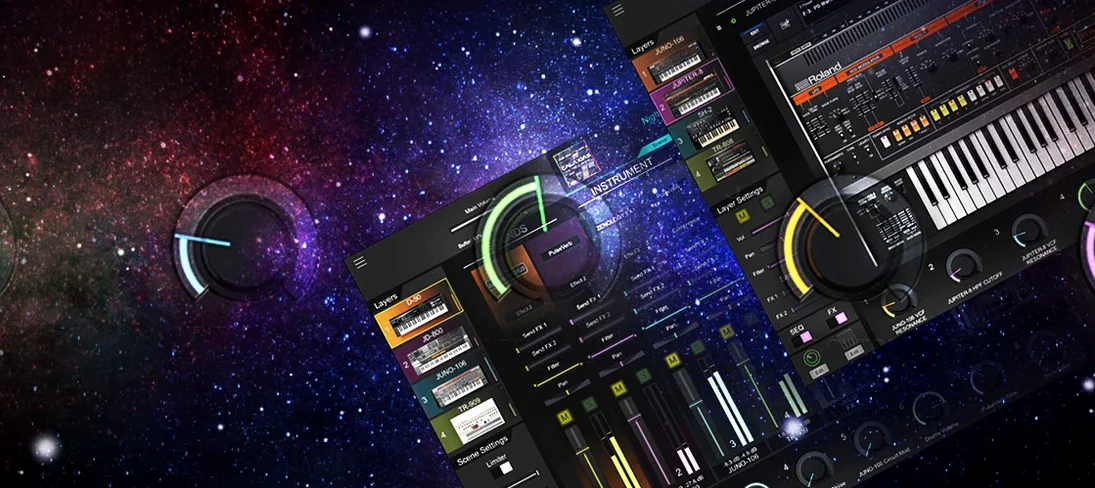 VST Plugins 1.3 GB
Pulsar Audio IPA
1.0.9
VST Plugins 1.3 GB
Pulsar Audio IPA
1.0.9
 VST Plugins 75 MB
Roland ZENOLOGY Pro
2.0.7
VST Plugins 75 MB
Roland ZENOLOGY Pro
2.0.7
 VST Plugins 1.8 GB
Safari Pedals Everything Bundle
2026.05
VST Plugins 1.8 GB
Safari Pedals Everything Bundle
2026.05
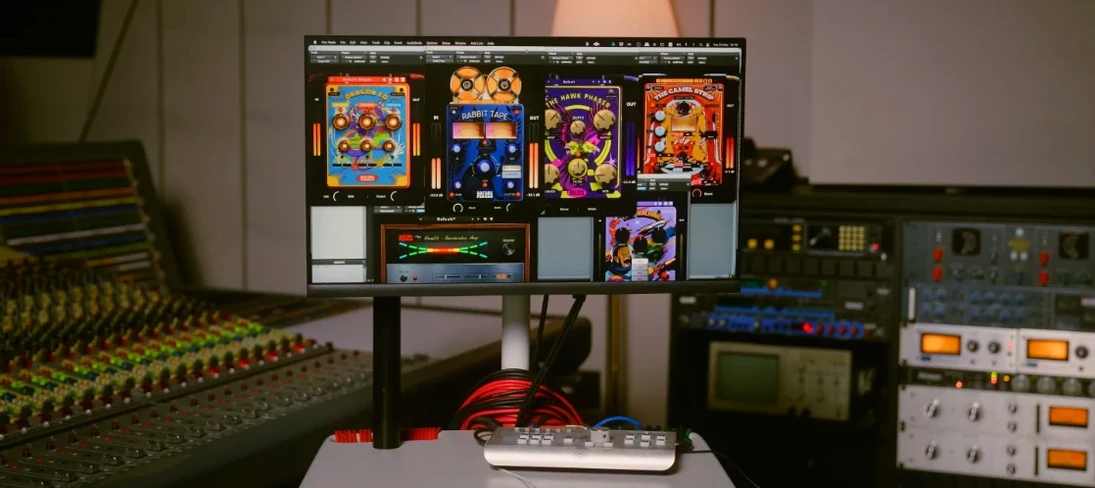 VST Plugins 628 MB
Scaler 3
3.3.2
VST Plugins 628 MB
Scaler 3
3.3.2
 VST Plugins 1.4 GB