You sit down at your desk and your Mac’s desktop looks like a bulletin board after a month of neglect — screenshots, invoices, a few random DMG files. Before Mojave, you’d manually drag each one into a folder. Now you right-click and let the system tidy it up while you grab a coffee. That’s the kind of quiet utility Mojave brought to Intel Macs.
- Finder quick actions. Rotate an image or password-protect a PDF right from the desktop, without opening any apps. It takes a multi-step chore and turns it into a couple of clicks.
- Stacks. Tell the desktop to group files by kind, date, or tags. Screenshots clump together, documents sit in their own pile, and your background stops looking like digital confetti.
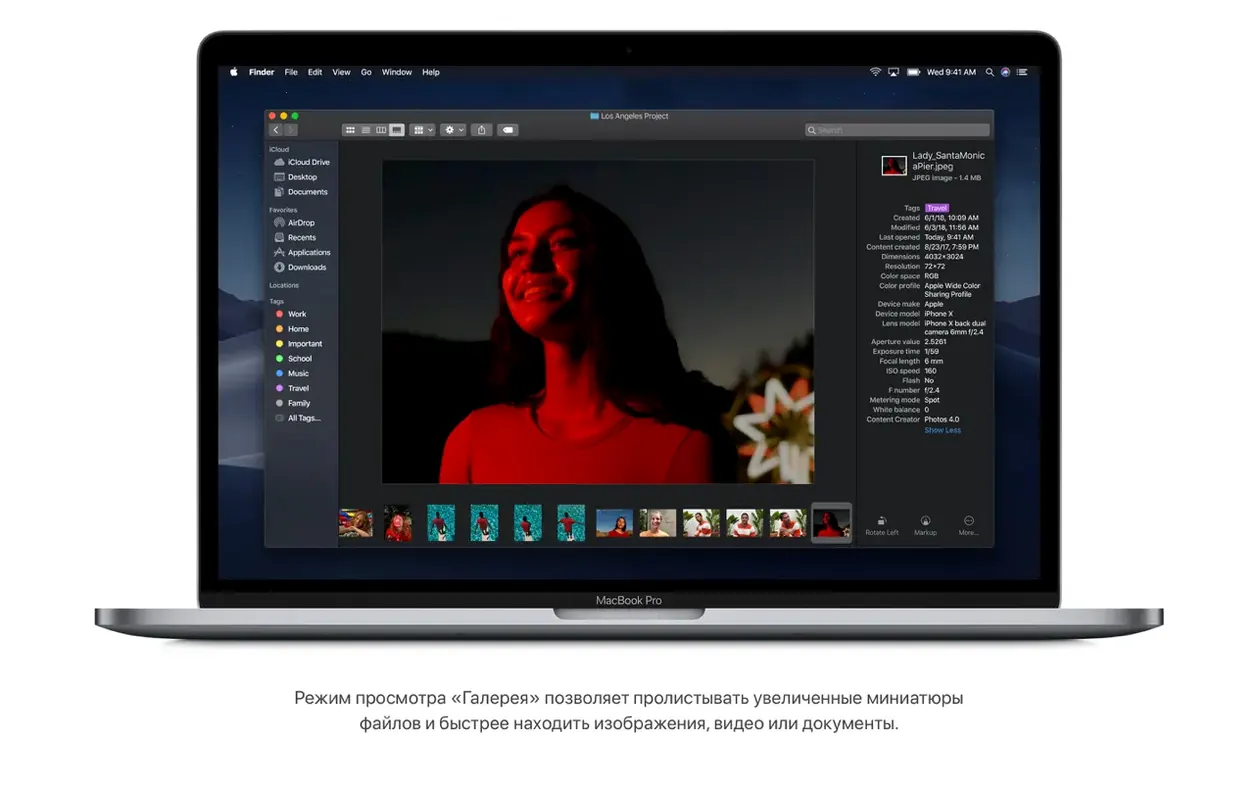
- Gallery View and full metadata. Scrolling through a folder of photos now shows a large preview up top, with file details and creation dates running along the bottom — handy when you’re skimming a batch of product shots.
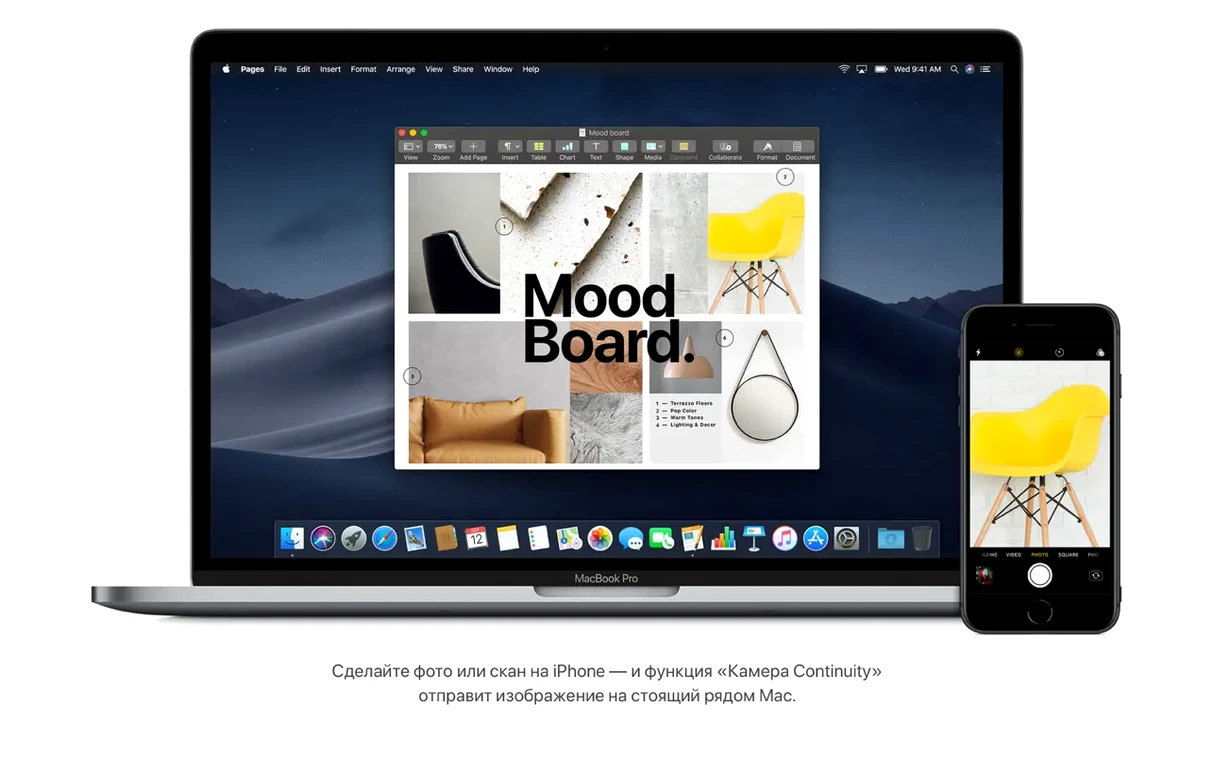
- Continuity Camera. Right-click a document in Pages or Mail, choose to snap a photo with your iPhone, and the picture lands directly on your Mac. No AirDropping, no syncing, just a straight line from your phone’s lens to the document on screen.
- Tighter Safari privacy. Improved Intelligent Tracking Prevention makes it harder for ad trackers to follow you from site to site without needing a single settings tweak.
Mojave still supports a broad run of Intel hardware — from a mid-2012 MacBook Air to an iMac Pro — so plenty of older machines can still put these features to work. It’s not a kitchen-sink release; it’s just a handful of genuinely useful tools that fit naturally into a regular workday.
Small tweaks with bigger daily payoff than Dark Mode
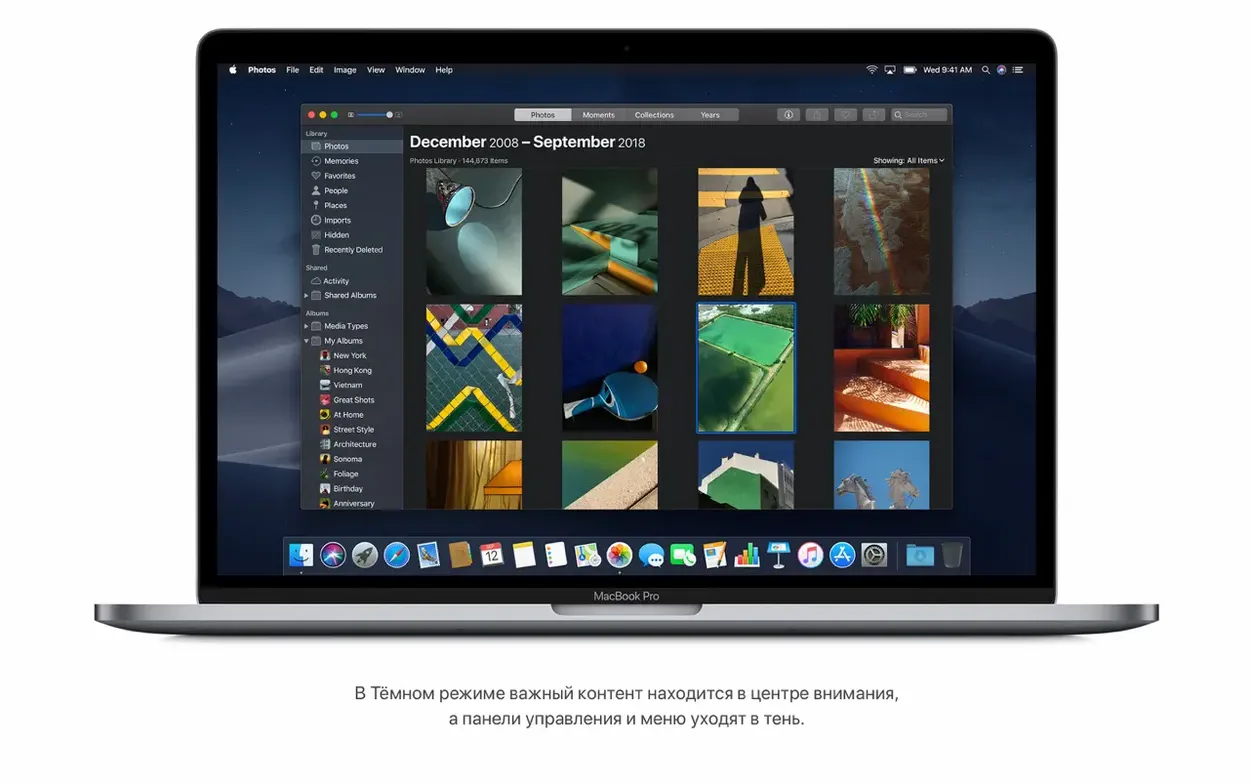
Dark Mode grabs all the attention when you first boot Mojave, but a handful of smaller tweaks make a bigger difference day to day. Open System Preferences and hit a couple of these before you settle in.
- Finder > Show status bar. Turn it on under the View menu. You get a thin bar at the bottom of every window telling you how many items are in the folder and how much free space the drive has left. It disappears by default, and it shouldn't.
- General > Recent items. Bump the number from the default 10 to 20 or 30. The Recent Items menu under the Apple logo becomes a genuinely fast launcher for documents and apps you touched yesterday.
- Dock > Show recent applications. Flip it off if your Dock feels cluttered. The three most recently opened apps won't squat on the right side anymore, and you still have the Recent Items menu for that.
- Security & Privacy > FileVault. If the Mac is a laptop that leaves the house, turn FileVault on before you load any personal work onto it. The performance hit on Mojave-era Intel hardware is barely noticeable on an SSD.
Wakes in under two seconds on an SSD Mac
On an SSD-equipped machine, Mojave wakes from sleep quickly — usually under two seconds on a mid-2015 MacBook Pro, and the desktop is usable the moment the login screen clears. The system idles around 1.5–2 GB of RAM with nothing but Finder and a couple of menu bar utilities running, so even a 4 GB MacBook Air has headroom for a browser and a lightweight editor.
Memory pressure stays low during typical office work — Safari with five or six tabs, Mail, Notes, and Preview open at once. Safari’s tab processes are sandboxed individually, so one heavy page doesn't stall the whole browser the way it could on older releases. The fan rarely spins up on a MacBook unless you push into photo editing or a long video export.
Stability in build 18G103 is settled. The Finder doesn't beachball when you browse network shares for the first time, and waking external drives after sleep happens without the "disk not ejected properly" nag that plagued earlier macOS versions. If you run a hackintosh mojave download on compatible hardware, the same general steadiness holds — provided the ACPI tables and kexts match the board. On a genuine Mac, the upgrade feels like a long pause at the end of a sentence: quiet, deliberate, and uneventful in the best way.
The latest build is all about a quieter workday. Apple shored up stability and fixed several under-the-hood issues that could cause apps to hesitate or stall.
- The update improves the stability and reliability of the Mac. It is less about new buttons and more about keeping your afternoon workflow free of spinning beach balls.
- macOS 10.8 or newer
- Intel-based Mac
- 2 GB memory
- 12.5 GB available storage
- Supported models: MacBook Early 2015 or newer, MacBook Air Mid 2012 or newer, MacBook Pro Mid 2012 or newer, Mac mini Late 2012 or newer, iMac Late 2012 or newer, iMac Pro 2017, Mac Pro Late 2013 or mid-2010/mid-2012 with Metal-capable graphics
Questions I actually get
Which Mac models run macOS Mojave?
It supports iMac Pro (2017) as well as models like MacBook Air from mid-2012 or newer, MacBook Pro from mid-2012 or newer, Mac mini from late-2012 or newer, and iMac from late-2012 or newer.
How much free space does Mojave need?
Apple lists 12.5 GB of available storage and at least 2 GB of memory as the minimum requirements for the installation.
What is a quick action in Mojave?
Quick actions are Finder commands that let you perform tasks — like password-protecting a file or trimming audio — directly from the preview pane or a right-click, without launching a full application.
Notes from the tables 0
Sign in or pull up a chair to leave a note.
No notes on this one yet. They go up after I read them.